6 Lessons
 12 Students



Shubham Parsoya
UX Design Mockups
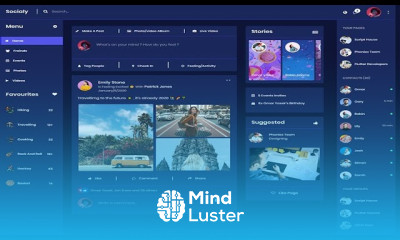
UX Design Mockups coursem in this course covers creating visual representations of user interfaces to convey design concepts and user interactions effectively.
 To Register in Course you have to watch at least 30 Second of any lesson
 Create high-fidelity UX mockups using industry-standard design tools like Figma and Adobe XD for effective user interface visualization
Apply best practices in UX design to develop mockups that enhance user experience and interface clarity
Translate user research insights into compelling visual prototypes that communicate design ideas clearly
Implement responsive design principles in mockups to ensure usability across various devices and screen sizes
Utilize color theory, typography, and layout techniques to improve visual appeal and user engagement in mockups
Collaborate with stakeholders and developers to refine UX mockups for seamless integration into the development process
6 Lessons • 2 h 57 m total
 You must have an
Account
on the platform.
Complete all lessons.
Watch at least 50% of Lesson Duration.
Get your Certificate free 🎉 !
4.3
 (68 reviews)
Overall rating

Be the First One Review This Course
UX Design Mockups
it was very useful,i learned a lot of topics in this course

Very Good

UX Design Mockups coursem in this course covers creating visual representations of user interfaces to convey design concepts and user interactions effectively.
Experience the full power of Mindluster with Premium.
No distractions, just pure education.
Cancel your subscription anytime