
 23 Lessons
 17 Students


JUSTIN SAJI INT MCA 2022-2027
Super
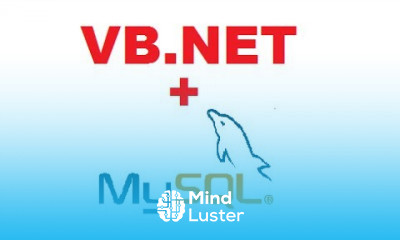
Connector/NET customizes Entity Framework Core to operate with MySQL data, enables compression in the . NET driver implementation, and extends cross-platform support to Linux and macOS. MySQL Connector/NET 8.0 is highly recommended for use with MySQL Server 8.0.
 To Register in Course you have to watch at least 30 Second of any lesson
 Develop efficient database connection and data retrieval techniques using MySQL Visual Basic .NET with optimized performance
Implement CRUD operations in Visual Basic .NET applications leveraging MySQL Connector/NET 8.0 functionalities
Integrate Entity Framework Core with MySQL databases to streamline data modeling and management in Visual Basic .NET projects
Configure and utilize MySQL Connector/NET 8.0 features such as compression and cross-platform support for Linux and macOS environments
Apply best practices for secure database access and data protection within Visual Basic .NET applications using MySQL
Troubleshoot common MySQL Connector/NET 8.0 issues and optimize database connectivity and query execution
Design scalable and maintainable Visual Basic .NET applications that interact seamlessly with MySQL databases
Utilize advanced MySQL features like stored procedures and views within Visual Basic .NET development
Implement data synchronization and transaction management techniques for reliable database operations in Visual Basic .NET
Leverage MySQL Connector/NET 8.0 to enhance cross-platform compatibility and performance in multi-environment applications
23 Lessons • 3 h 46 m total
 You must have an
Account
on the platform.
Complete all lessons.
Watch at least 50% of Lesson Duration.
Get your Certificate free 🎉 !
4.3
 (41 reviews)
Overall rating

Be the First One Review This Course
Super

Connector/NET customizes Entity Framework Core to operate with MySQL data, enables compression in the . NET driver implementation, and extends cross-platform support to Linux and macOS. MySQL Connector/NET 8.0 is highly recommended for use with MySQL Server 8.0.
Experience the full power of Mindluster with Premium.
No distractions, just pure education.
Cancel your subscription anytime