
 200 Lessons
 12 Students







Khushi Gayakwad
Great
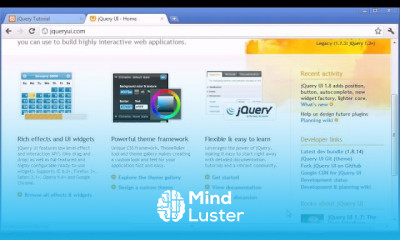
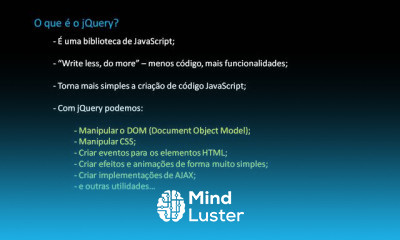
jQuery is a framework built with JavaScript. It helps web developers to add extra functionalities to their websites. It is the most popular JavaScript library used to traverse and manipulate the HTML DOM tree. Also, it simplifies event handling, CSS animation, and Ajax .
 To Register in Course you have to watch at least 30 Second of any lesson
 Master how to select and manipulate HTML elements using jQuery for dynamic web pages and user interactions
Implement event handling techniques with jQuery to create responsive and interactive websites
Utilize jQuery animations and effects to enhance website visual appeal and user experience
Perform AJAX requests with jQuery to load data asynchronously and improve website performance
Simplify DOM traversal and manipulation to efficiently modify webpage content and structure
Apply jQuery plugins and extend functionality for customized web development solutions
Debug and troubleshoot jQuery code to ensure smooth website functionality and user engagement
Integrate jQuery with HTML and CSS to develop seamless, interactive, and modern web interfaces
Create responsive web components that adapt to different devices using jQuery techniques
Optimize website performance by efficiently managing DOM updates with jQuery
Implement form validation and user input handling with jQuery for better data accuracy
Use jQuery to implement smooth scrolling, sliders, and interactive navigation menus
Leverage jQuery to enhance accessibility features and improve user inclusivity
Develop reusable jQuery scripts for scalable and maintainable web projects
Apply best practices for writing clean, efficient, and cross-browser compatible jQuery code
Utilize jQuery to create engaging multimedia content and interactive user experiences
200 Lessons • 20 h 38 m total

 You must have an
Account
on the platform.
Complete all lessons.
Watch at least 50% of Lesson Duration.
Get your Certificate free 🎉 !
4.8
 (190 reviews)
Overall rating

Be the First One Review This Course
Great

jQuery is a framework built with JavaScript. It helps web developers to add extra functionalities to their websites. It is the most popular JavaScript library used to traverse and manipulate the HTML DOM tree. Also, it simplifies event handling, CSS animation, and Ajax .
Experience the full power of Mindluster with Premium.
No distractions, just pure education.
Cancel your subscription anytime