×
MindLuster Logo

Unity Beginner

Track :

Programming

Lessons no : 63

For Free Certificate After Complete The Course

To Register in Course you have to watch at least 30 Second of any lesson

Join The Course Go To Community Download Course Content
What will you learn in this course?
  • Create interactive 3D environments using Unity game engine and beginner-friendly workflows
  • Implement basic scripting with C# to control game objects and user interactions in Unity
  • Navigate Unity interface efficiently, including scene view, hierarchy, and inspector panels for game development
  • Apply fundamental game design principles to develop simple, engaging Unity projects for beginners
  • Utilize Unity assets and tools to optimize game performance and visual quality for new developers
  • Build and test basic game prototypes within Unity to understand core development processes
  • Understand Unity’s physics engine to create realistic object interactions and movements
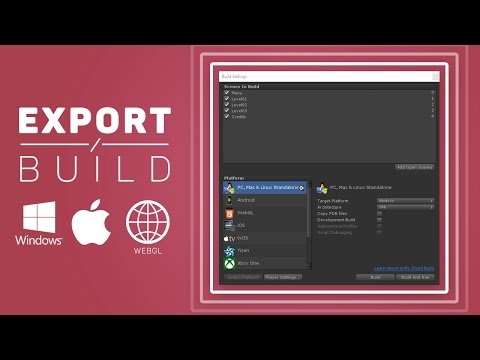
  • Deploy Unity projects across multiple platforms, including PC and mobile devices for broader reach

How to Get The Certificate

  • You must have an account Register
  • Watch All Lessons
  • Watch at least 50% of Lesson Duration
  • you can follow your course progress From Your Profile
  • You can Register With Any Course For Free
  • The Certificate is free !
Lessons | 63
Show More Lessons

Recommended Courses


We Appreciate Your Feedback

Be the First One Review This Course

Excellent
0 Reviews
Good
0 Reviews
medium
0 Reviews
Acceptable
0 Reviews
Not Good
0 Reviews
0
0 Reviews

Our New Certified Courses Will Reach You in Our Telegram Channel
Join Our Telegram Channels to Get Best Free Courses


Join Now

Related Courses
However, if you have little or no experience with Unity or coding, and simply want to begin to understand some basic workflows and concepts, then we suggest that you download the free version of the Unity editor via the “First-time Users” option on our Getting Started page.