

Maheen Khan
Nice lesson
 (12 reviews)
 10 Lessons
 724 Students
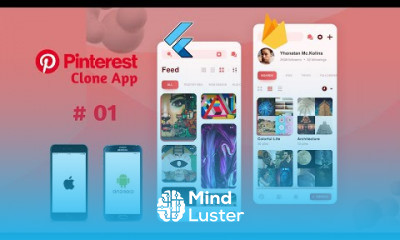
Since Flutter is a multi-platform SDK, each FlutterFire plugin is applicable for both Apple and Android platforms. So, if you add any FlutterFire plugin to your Flutter app, it will be used by both the Apple and Android versions of your Firebase app .
 To Register in Course you have to watch at least 30 Second of any lesson
 Implement cross-platform mobile apps using Flutter and Firebase for iOS and Android with real-time database integration
Develop secure authentication systems in Flutter apps utilizing Firebase Authentication and user management tools
Integrate Firebase Cloud Firestore into Flutter applications for scalable data storage and retrieval
Utilize FlutterFire plugins to add push notifications, analytics, and cloud functions to mobile apps
Optimize Flutter Firebase app performance and troubleshoot common issues for seamless user experience
Apply best practices for deploying and maintaining Flutter apps with Firebase backend on multiple platforms
10 Lessons • 1 h 41 m total
 You must have an
Account
on the platform.
Complete all lessons.
Watch at least 50% of Lesson Duration.
Get your Certificate free 🎉 !
3.7
(12 reviews)
Overall rating

Be the First One Review This Course
Nice lesson

many videos are not playing

Many videos are unavailable

no good
very Good

Nice course. But, it will be better if an author will add more videos with Firebase for free
great course
Excellent Course

Good

great course

good

The course instructor's clear explanations, step-by-step demonstrations, and hands-on exercises make complex concepts approachable and easy to understand. The integration of Firebase into the course adds immense value, as it covers backend development, real-time databases, user authentication, and more, all of which are essential components of modern app development.

Since Flutter is a multi-platform SDK, each FlutterFire plugin is applicable for both Apple and Android platforms. So, if you add any FlutterFire plugin to your Flutter app, it will be used by both the Apple and Android versions of your Firebase app .
Experience the full power of Mindluster with Premium.
No distractions, just pure education.
Cancel your subscription anytime


















