×
MindLuster Logo

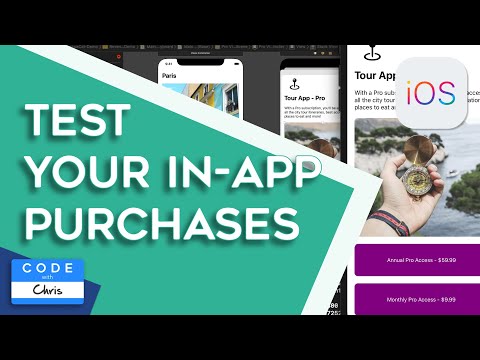
iOS In App Purchases

Track :

Mobile Development

Lessons no : 8

For Free Certificate After Complete The Course

To Register in Course you have to watch at least 30 Second of any lesson

Join The Course Go To Community Download Course Content
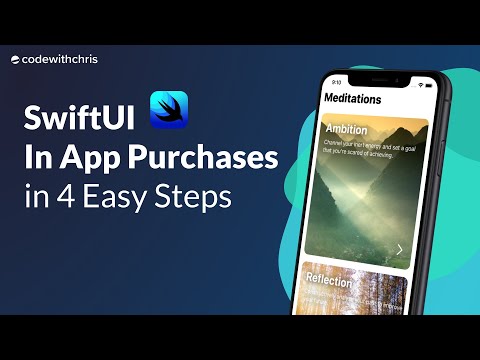
What will you learn in this course?
  • Understand how to implement in-app purchases within iOS apps using Swift and Xcode
  • Identify different types of in-app purchases, including consumables, non-consumables, subscriptions, and auto-renewable options
  • Integrate StoreKit framework to manage in-app purchase workflows effectively in iOS applications
  • Implement secure transaction handling and validation to protect against fraud and ensure user trust
  • Design user-friendly interfaces for in-app purchase prompts and purchase management within apps
  • Troubleshoot common issues related to in-app purchases, including transaction failures and receipt validation

How to Get The Certificate

  • You must have an account Register
  • Watch All Lessons
  • Watch at least 50% of Lesson Duration
  • you can follow your course progress From Your Profile
  • You can Register With Any Course For Free
  • The Certificate is free !
Lessons | 8


We Appreciate Your Feedback

Be the First One Review This Course

Excellent
0 Reviews
Good
0 Reviews
medium
0 Reviews
Acceptable
0 Reviews
Not Good
0 Reviews
0
0 Reviews

Our New Certified Courses Will Reach You in Our Telegram Channel
Join Our Telegram Channels to Get Best Free Courses


Join Now

Related Courses

In-app purchases are extra content or subscriptions that you buy inside an app. Not all apps offer in-app purchases. To check if an app offers in-app purchases before you buy or download it, find it in the App Store. Then look for "In-App Purchases" near the app's price or Get button .