
 2 Lessons
 4 Students


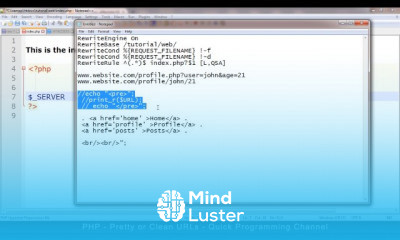
Use a 301 redirect . htaccess to point an entire site to a different URL on a permanent basis. This is the most common type of redirect and is useful in most situations. In this example, we are redirecting to the "example.com" domain .
 To Register in Course you have to watch at least 30 Second of any lesson
What You'll Learn
-
 Implement 301 redirects using .htaccess to improve website SEO and user experience
-
Configure .htaccess files for URL rewriting, redirection, and site migration tasks
-
Troubleshoot common issues with URL redirects and ensure proper server response codes
-
Optimize website structure and navigation through effective URL management with .htaccess
Course Content
2 Lessons • 15 m total

How to Get The Certificate
-
You must have an
Account
on the platform.
-
Complete all lessons.
-
Watch at least 50% of Lesson Duration.
-
Get your Certificate free 🎉 !
4.8
 (109 reviews)
Overall rating

Reviews
Be the First One Review This Course
Related Courses
View All


















URLs using HTACCESS Course Description
Use a 301 redirect . htaccess to point an entire site to a different URL on a permanent basis. This is the most common type of redirect and is useful in most situations. In this example, we are redirecting to the "example.com" domain .
Focus on Learning, Not Ads
Experience the full power of Mindluster with Premium.
No distractions, just pure education.
Cancel your subscription anytime
