
 17 Lessons
 105 Students


Saurabh Singh
Nice explainaton.
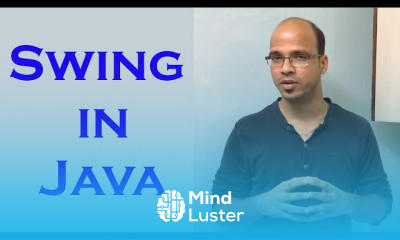
Swing is a GUI widget toolkit for Java. It is part of Oracle's Java Foundation Classes (JFC) – an API for providing a graphical user interface (GUI) for Java programs. Swing was developed to provide a more sophisticated set of GUI components than the earlier Abstract Window Toolkit (AWT).
 To Register in Course you have to watch at least 30 Second of any lesson
 Create interactive Java desktop applications using Swing components and layouts for enhanced user experience
Design and implement custom Swing GUIs with event-driven programming and user interface controls
Develop responsive Java applications by integrating Swing with backend logic and data handling
Utilize Swing containers, panels, and menus to build organized and navigable user interfaces
Apply best practices for Swing component styling, theming, and accessibility for professional-looking GUIs
Debug and troubleshoot Swing applications to ensure stability and optimal performance
Implement advanced Swing features such as drag-and-drop, animations, and custom components
Integrate Swing GUIs with databases and external data sources for dynamic Java applications
17 Lessons • 1 h 32 m total
 You must have an
Account
on the platform.
Complete all lessons.
Watch at least 50% of Lesson Duration.
Get your Certificate free 🎉 !
4.4
 (14 reviews)
Overall rating

Be the First One Review This Course
Nice explainaton.

excellent course

Good
Good

a great one
Good course

Good
Nice course but explanation can be improved

very good

perfect to upskill my swing

Course is nice

It was good

Swing is a GUI widget toolkit for Java. It is part of Oracle's Java Foundation Classes (JFC) – an API for providing a graphical user interface (GUI) for Java programs. Swing was developed to provide a more sophisticated set of GUI components than the earlier Abstract Window Toolkit (AWT).
Experience the full power of Mindluster with Premium.
No distractions, just pure education.
Cancel your subscription anytime