×
MindLuster Logo

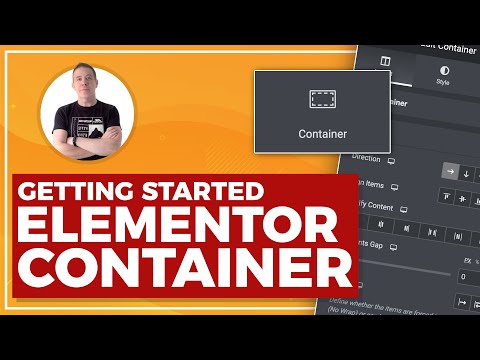
Elementor Container

Track :

Programming

Lessons no : 4

For Free Certificate After Complete The Course

To Register in Course you have to watch at least 30 Second of any lesson

Join The Course Go To Community Download Course Content
What will you learn in this course?
  • Create responsive webpage layouts using Elementor containers and widgets for optimal user experience
  • Customize widget controls to enhance website functionality and design flexibility in Elementor
  • Implement advanced styling techniques to improve visual appeal and branding consistency with Elementor containers
  • Troubleshoot common issues in Elementor container setup to ensure seamless website performance

How to Get The Certificate

  • You must have an account Register
  • Watch All Lessons
  • Watch at least 50% of Lesson Duration
  • you can follow your course progress From Your Profile
  • You can Register With Any Course For Free
  • The Certificate is free !
Lessons | 4


We Appreciate Your Feedback

Be the First One Review This Course

Excellent
0 Reviews
Good
0 Reviews
medium
0 Reviews
Acceptable
0 Reviews
Not Good
0 Reviews
0
0 Reviews

Our New Certified Courses Will Reach You in Our Telegram Channel
Join Our Telegram Channels to Get Best Free Courses


Join Now

Related Courses

Elementor is packed with dozens of useful widgets in the widgets panel. These widgets are divided into categories. Each widget has a set of custom controls (input fields) allowing end-users to enter data.