×
MindLuster Logo

Gradle for Android and Java

Track :

Programming

Lessons no : 65

For Free Certificate After Complete The Course

To Register in Course you have to watch at least 30 Second of any lesson

Join The Course Go To Community Download Course Content
What will you learn in this course?
  • Master Gradle build automation for Android and Java projects using JVM, Java APIs, custom tasks, and plugins
  • Optimize Android and Java project workflows with Gradle build scripts, dependencies, and multi-platform support
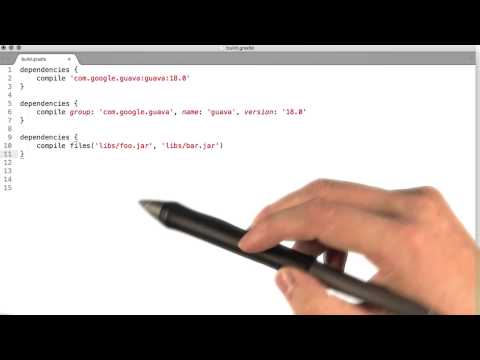
  • Implement efficient dependency management and version control in Gradle for Android and Java applications
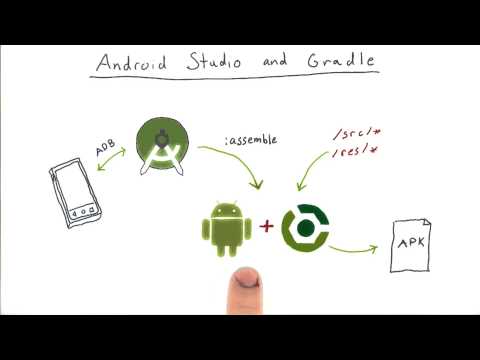
  • Configure Gradle for seamless integration with Android Studio, IntelliJ IDEA, and other IDEs for Java development
  • Create custom Gradle tasks and plugins to automate repetitive build and deployment processes in Android and Java projects
  • Troubleshoot and resolve common Gradle build issues in Android and Java development environments
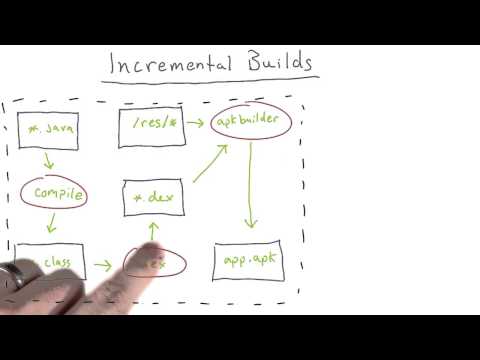
  • Leverage Gradle's incremental build features to improve build speed and project efficiency in Android and Java projects
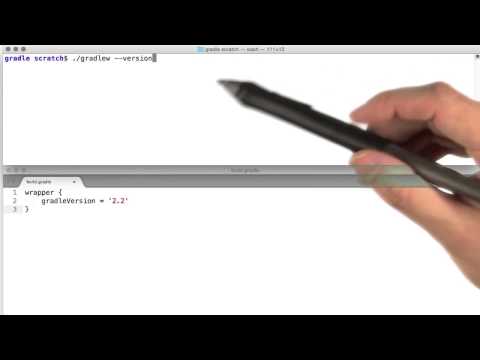
  • Utilize Gradle wrapper for consistent build environments across different development teams and platforms
  • Apply best practices for Gradle project structure, modularization, and dependency resolution in Android and Java projects
  • Automate testing, code analysis, and deployment workflows using Gradle in Android and Java development
  • Manage multi-module Android and Java projects with Gradle for scalable and maintainable codebases
  • Integrate Gradle with CI/CD pipelines for continuous integration and delivery of Android and Java applications
  • Utilize Gradle's build cache and parallel execution features to optimize build performance in Android and Java projects
  • Understand the role of Gradle in modern Android and Java development ecosystems for efficient project management

How to Get The Certificate

  • You must have an account Register
  • Watch All Lessons
  • Watch at least 50% of Lesson Duration
  • you can follow your course progress From Your Profile
  • You can Register With Any Course For Free
  • The Certificate is free !
Lessons | 65
Show More Lessons


We Appreciate Your Feedback

Be the First One Review This Course

Excellent
0 Reviews
Good
0 Reviews
medium
0 Reviews
Acceptable
0 Reviews
Not Good
0 Reviews
0
0 Reviews

Our New Certified Courses Will Reach You in Our Telegram Channel
Join Our Telegram Channels to Get Best Free Courses


Join Now

Related Courses
Gradle runs on the JVM and you must have a Java Development Kit (JDK) installed to use it. This is a bonus for users familiar with the Java platform as you can use the standard Java APIs in your build logic, such as custom task types and plugins. It also makes it easy to run Gradle on different platforms.