×
MindLuster Logo

Cocos2d x Setting Up

Track :

Programming

Lessons no : 9

For Free Certificate After Complete The Course

To Register in Course you have to watch at least 30 Second of any lesson

Join The Course Go To Community Download Course Content
What will you learn in this course?
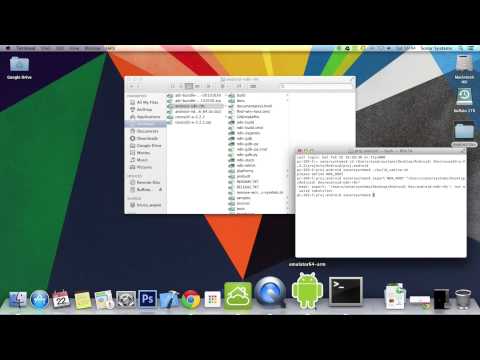
  • Configure Cocos2d-x environment variables for seamless game development and deployment
  • Install and set up Cocos2d-x SDK on Windows and Mac operating systems effectively
  • Navigate Cocos2d-x directory structure for efficient project management and customization
  • Download, unzip, and organize Cocos2d-x version 3.5 for optimal development workflow
  • Troubleshoot common setup issues related to Cocos2d-x installation and environment variables
  • Implement best practices for initial Cocos2d-x project setup and configuration

How to Get The Certificate

  • You must have an account Register
  • Watch All Lessons
  • Watch at least 50% of Lesson Duration
  • you can follow your course progress From Your Profile
  • You can Register With Any Course For Free
  • The Certificate is free !
Lessons | 9


We Appreciate Your Feedback

Be the First One Review This Course

Excellent
0 Reviews
Good
0 Reviews
medium
0 Reviews
Acceptable
0 Reviews
Not Good
0 Reviews
0
0 Reviews

Our New Certified Courses Will Reach You in Our Telegram Channel
Join Our Telegram Channels to Get Best Free Courses


Join Now

Related Courses

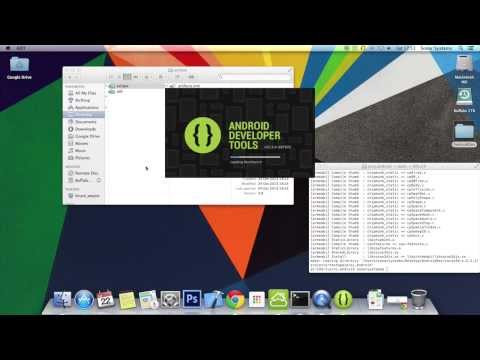
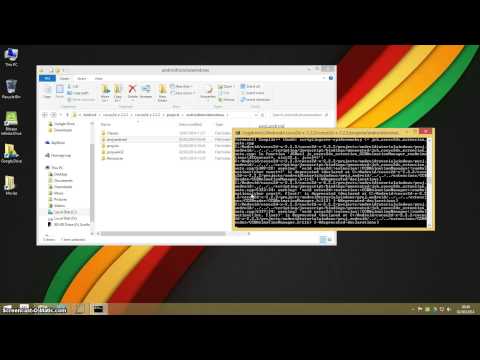
Getting Started. Download the latest version of Cocos2d-x at www.cocos2d-x.org/download; this tutorial used version 3.5. Place the downloaded file wheres you'd like to store your Cocos2d-x installation, such as in your home directory, then unzip it. This sets up the necessary shell environment variables .