
 1 Lessons
 8 Students



Archana G
It was good for learning
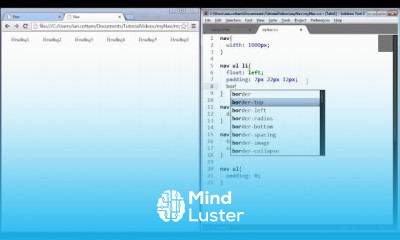
But, before we show you how to create a navigation bar with HTML and CSS, let's first understand the basic design principles of a responsive .
 To Register in Course you have to watch at least 30 Second of any lesson
 Create responsive CSS navigation bars optimized for various devices and screen sizes using modern CSS techniques
Apply CSS styling to enhance navigation menus with hover effects, transitions, and visual hierarchy for better user experience
Implement accessible navigation structures with semantic HTML and ARIA roles to improve website usability and SEO
Troubleshoot common CSS navigation issues, including layout, responsiveness, and cross-browser compatibility
1 Lessons • 15 m total
You must have an
Account
on the platform.
Complete all lessons.
Watch at least 50% of Lesson Duration.
Get your Certificate free 🎉 !
4.7
 (162 reviews)
Overall rating

Be the First One Review This Course
It was good for learning

good

But, before we show you how to create a navigation bar with HTML and CSS, let's first understand the basic design principles of a responsive .
Experience the full power of Mindluster with Premium.
No distractions, just pure education.
Cancel your subscription anytime


















