×
MindLuster Logo

Introduction to Auto Layout

Track :

Programming

Lessons no : 17

For Free Certificate After Complete The Course

To Register in Course you have to watch at least 30 Second of any lesson

Join The Course Go To Community Download Course Content

What will you learn in this course?
  • Create responsive user interfaces using Auto Layout constraints for various screen sizes and orientations.
  • Implement dynamic UI designs that adapt seamlessly across devices with Auto Layout techniques.
  • Apply Auto Layout principles to build flexible, scalable, and maintainable mobile app interfaces.
  • Troubleshoot and resolve common Auto Layout issues to ensure consistent UI performance.
  • Utilize Auto Layout tools and features in Xcode for efficient interface design and prototyping.
  • Optimize user experience by designing adaptable layouts for different device resolutions and orientations.
  • Integrate Auto Layout with other UI components to enhance app functionality and visual appeal.
  • Develop professional, user-friendly interfaces that automatically adjust to content and device changes.

How to Get The Certificate

  • You must have an account Register
  • Watch All Lessons
  • Watch at least 50% of Lesson Duration
  • you can follow your course progress From Your Profile
  • You can Register With Any Course For Free
  • The Certificate is free !
Lessons | 17


We Appreciate Your Feedback

Excellent
1 Reviews
Good
0 Reviews
medium
0 Reviews
Acceptable
0 Reviews
Not Good
0 Reviews
5
1 Reviews

Kishan kumar ahirwar

Good experience
2025-12-15

Hemant Mahajan

good course
2025-08-09

Show More Reviews

Our New Certified Courses Will Reach You in Our Telegram Channel
Join Our Telegram Channels to Get Best Free Courses


Join Now

Related Courses

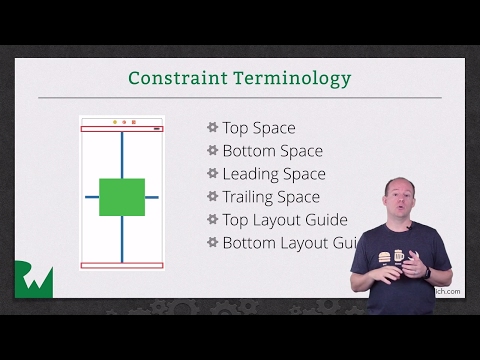
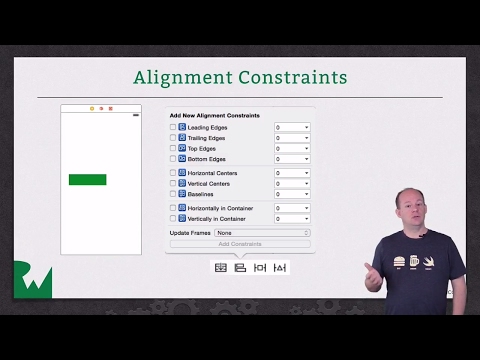
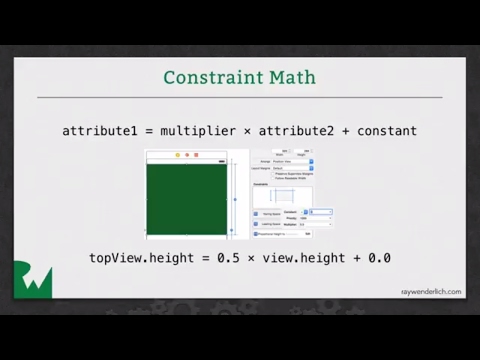
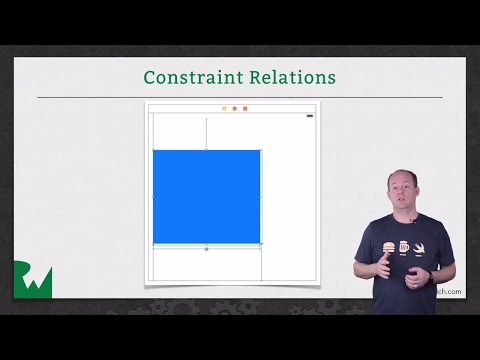
Auto Layout is a constraint-based layout system designed for building dynamically sized user interfaces. It lets you create user interface layouts that dynamically adapt for all screen sizes without manually setting the frame of every view.