×
MindLuster Logo

Moodle for Mobile Learning

Track :

Programming

Lessons no : 10

For Free Certificate After Complete The Course

To Register in Course you have to watch at least 30 Second of any lesson

Join The Course Go To Community Download Course Content
What will you learn in this course?
  • Enhance mobile accessibility by navigating Moodle sites efficiently on smartphones and tablets using web browsers and native apps.
  • Configure Moodle servers to enable seamless mobile access and optimize user experience across devices.
  • Download, install, and troubleshoot Moodle native apps for various mobile operating systems effectively.
  • Implement best practices for mobile-friendly Moodle site design to improve usability and engagement.
  • Manage mobile-specific features and settings within Moodle to support remote learning and on-the-go access.
  • Apply security measures to protect Moodle mobile data and ensure safe mobile learning environments.

How to Get The Certificate

  • You must have an account Register
  • Watch All Lessons
  • Watch at least 50% of Lesson Duration
  • you can follow your course progress From Your Profile
  • You can Register With Any Course For Free
  • The Certificate is free !
Lessons | 10


We Appreciate Your Feedback

Be the First One Review This Course

Excellent
0 Reviews
Good
0 Reviews
medium
0 Reviews
Acceptable
0 Reviews
Not Good
0 Reviews
0
0 Reviews

Our New Certified Courses Will Reach You in Our Telegram Channel
Join Our Telegram Channels to Get Best Free Courses


Join Now

Related Courses

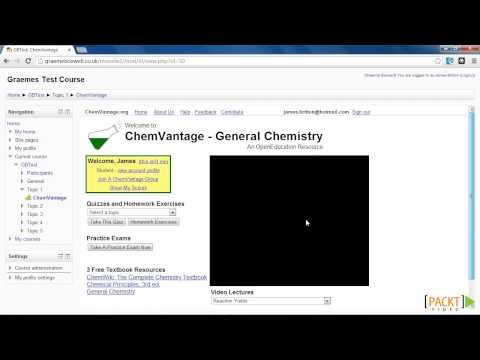
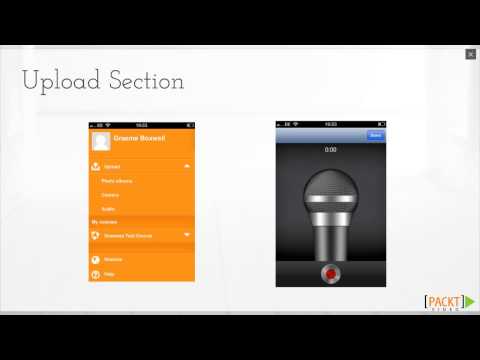
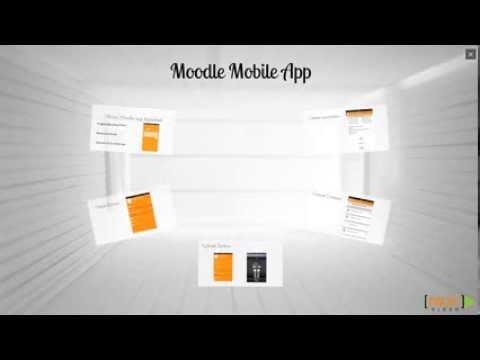
Users can open Moodle sites in their mobile web browsers. Users can download native apps for their mobile devices. Admins can configure their Moodle site to be Mobile-accessible through server extensions.