×
MindLuster Logo

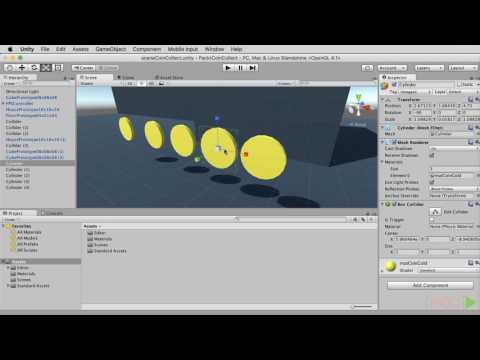
Unity 5 for Beginners

Track :

Programming

Lessons no : 6

For Free Certificate After Complete The Course

To Register in Course you have to watch at least 30 Second of any lesson

Join The Course Go To Community Download Course Content
What will you learn in this course?
  • Create interactive 2D and 3D games using Unity 5 with practical scripting and design skills
  • Implement game physics, animations, and user interfaces in Unity 5 projects effectively
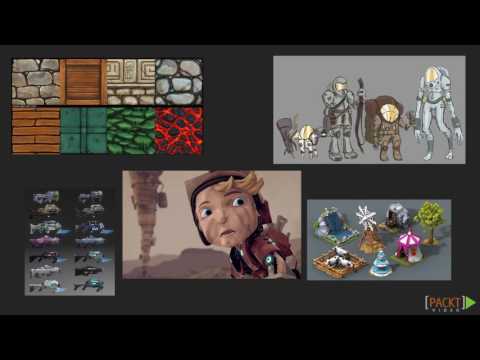
  • Utilize Unity 5 tools for asset management, scene creation, and environment design for immersive gameplay
  • Apply basic C# programming to develop game mechanics and control character behaviors in Unity 5
  • Optimize game performance and troubleshoot common issues within Unity 5 development environment
  • Publish and share Unity 5 games across multiple platforms with proper settings and configurations

How to Get The Certificate

  • You must have an account Register
  • Watch All Lessons
  • Watch at least 50% of Lesson Duration
  • you can follow your course progress From Your Profile
  • You can Register With Any Course For Free
  • The Certificate is free !
Lessons | 6


We Appreciate Your Feedback

Be the First One Review This Course

Excellent
0 Reviews
Good
0 Reviews
medium
0 Reviews
Acceptable
0 Reviews
Not Good
0 Reviews
0
0 Reviews

Our New Certified Courses Will Reach You in Our Telegram Channel
Join Our Telegram Channels to Get Best Free Courses


Join Now

Related Courses

Unity is fairly easy to use, but the main thing to keep in mind is that it's more like a canvas whereas other game engines are sometimes more like a template. Meaning in Unity you can more or less do whatever you want but the catch is that you have to do it yourself .