×
MindLuster Logo

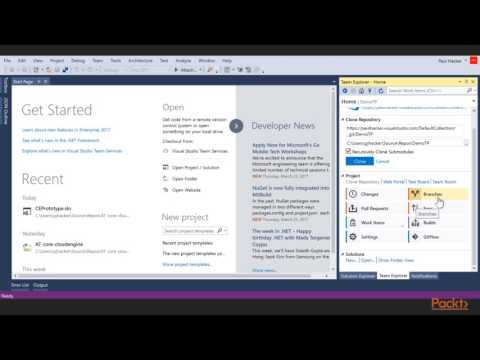
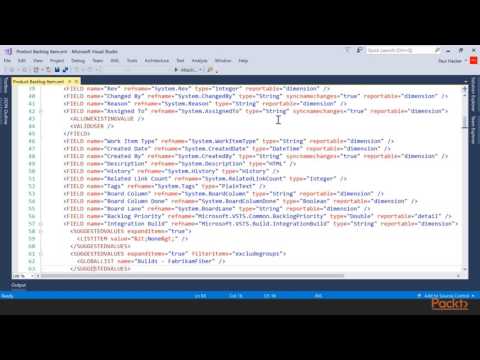
Microsoft Team Foundation Server

Track :

Programming

Lessons no : 3

For Free Certificate After Complete The Course

To Register in Course you have to watch at least 30 Second of any lesson

Join The Course Go To Community Download Course Content
What will you learn in this course?
  • Master version control and code management using Microsoft Team Foundation Server for efficient software development
  • Implement continuous integration and delivery workflows with TFS to streamline project deployment and reduce errors
  • Utilize TFS tools for agile project management, including backlog prioritization, sprint planning, and task tracking
  • Apply TFS reporting and analytics features to monitor project progress, team performance, and improve collaboration

How to Get The Certificate

  • You must have an account Register
  • Watch All Lessons
  • Watch at least 50% of Lesson Duration
  • you can follow your course progress From Your Profile
  • You can Register With Any Course For Free
  • The Certificate is free !
Lessons | 3


We Appreciate Your Feedback

Be the First One Review This Course

Excellent
0 Reviews
Good
0 Reviews
medium
0 Reviews
Acceptable
0 Reviews
Not Good
0 Reviews
0
0 Reviews

Our New Certified Courses Will Reach You in Our Telegram Channel
Join Our Telegram Channels to Get Best Free Courses


Join Now

Related Courses

Team Foundation Server (often abbreviated to TFS) is a Microsoft product that provides tools and technologies designed to help teams collaborate and orchestrate their efforts to finish projects or create a product. It enables DevOps capabilities covering the entire application lifecycle .