×
MindLuster Logo

Getting Started with QGIS

Track :

Programming

Lessons no : 6

For Free Certificate After Complete The Course

To Register in Course you have to watch at least 30 Second of any lesson

Join The Course Go To Community Download Course Content
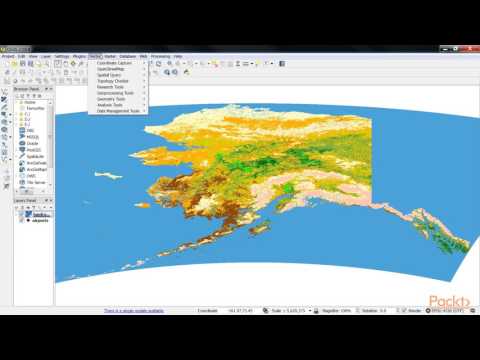
What will you learn in this course?
  • Create and launch QGIS using command line, desktop shortcuts, and project files for efficient GIS workflows
  • Navigate QGIS interface, tools, and menus to access core geographic information system features
  • Import, visualize, and manage spatial data layers within QGIS for accurate geographic analysis
  • Apply basic GIS analysis techniques using QGIS to interpret spatial relationships and patterns
  • Customize QGIS workspace and settings to optimize productivity and user experience
  • Export maps and spatial data outputs suitable for reports, presentations, and further GIS analysis

How to Get The Certificate

  • You must have an account Register
  • Watch All Lessons
  • Watch at least 50% of Lesson Duration
  • you can follow your course progress From Your Profile
  • You can Register With Any Course For Free
  • The Certificate is free !
Lessons | 6


We Appreciate Your Feedback

Excellent
12 Reviews
Good
16 Reviews
medium
0 Reviews
Acceptable
0 Reviews
Not Good
0 Reviews
4.4
28 Reviews

ANUPAM SINGH RAWAT

It is helpful, appreciated.
2025-12-19

Vivek kumar shukla

Good
2025-12-19

Priti Kumari

Good
2025-11-19

Chandan D

I get to know the basic steps of operating QGIS
2025-11-18

Abhisheka sadashiva naik

It's very helpful
2025-11-18

Bismiragandi Ahmad

Thanks for the information
2025-10-08

oumaima kaissi

very helpful
2025-10-06

Hamid Hadi

The recorded QGIS course is good. But the resolution of some videos was not good.
2025-09-26

Habiba Ayman

Good
2025-09-10

Gerard Chariteiro

j'ai compris les bases mais abon avec la langue anglaises cela etait un peu difficile
2025-09-02

MICHAEL MHOJA

It was very good, please continue to offer more courses.
2025-08-27

Rafiullah

thanks
2025-08-04

Show More Reviews

Our New Certified Courses Will Reach You in Our Telegram Channel
Join Our Telegram Channels to Get Best Free Courses


Join Now

Related Courses

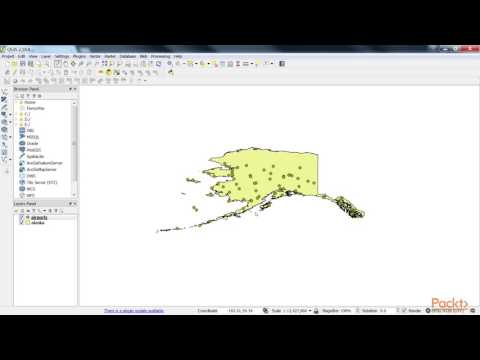
Start QGIS by typing “QGIS” at a command prompt, or if using a precompiled binary, by using the Applications menu. Start QGIS using the Start menu or desktop shortcut, or double click on a QGIS project file. Double click the icon in your Applications folder.