×
MindLuster Logo

Bootstrap 4 From beginner to professional

Track :

Programming

Lessons no : 7

For Free Certificate After Complete The Course

To Register in Course you have to watch at least 30 Second of any lesson

Join The Course Go To Community Download Course Content
What will you learn in this course?
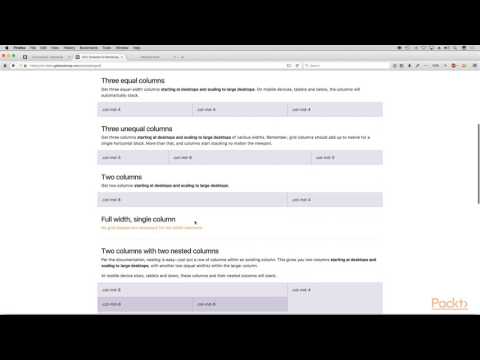
  • Create responsive web pages using Bootstrap 4 grid system and utility classes for various device sizes
  • Implement Bootstrap 4 components like navbars, modals, and carousels for interactive websites
  • Customize Bootstrap 4 themes and styles to match specific project branding and design requirements
  • Optimize website performance by effectively utilizing Bootstrap 4's built-in features and best practices
  • Troubleshoot common Bootstrap 4 layout and component issues for seamless user experience
  • Apply Bootstrap 4 to develop mobile-first, cross-browser compatible websites with modern design standards

How to Get The Certificate

  • You must have an account Register
  • Watch All Lessons
  • Watch at least 50% of Lesson Duration
  • you can follow your course progress From Your Profile
  • You can Register With Any Course For Free
  • The Certificate is free !
Lessons | 7


We Appreciate Your Feedback

Be the First One Review This Course

Excellent
0 Reviews
Good
0 Reviews
medium
0 Reviews
Acceptable
0 Reviews
Not Good
0 Reviews
0
0 Reviews

Our New Certified Courses Will Reach You in Our Telegram Channel
Join Our Telegram Channels to Get Best Free Courses


Join Now

Related Courses

Bootstrap 3 had only four tiers, but Bootstrap 4 has provided improvements by providing new device-width to enhance the support from phablets to smaller devices .