×
MindLuster Logo

SVG and Interactive Visualization in D3

Track :

Programming

Lessons no : 7

For Free Certificate After Complete The Course

To Register in Course you have to watch at least 30 Second of any lesson

Join The Course Go To Community Download Course Content
What will you learn in this course?
  • Create dynamic SVG graphics using D3.js for interactive data visualizations and custom shapes
  • Implement scalable vector graphics (SVG) to enhance web-based data visualization projects
  • Apply D3.js techniques to build responsive, animated, and interactive visualizations with SVG elements
  • Utilize D3.js to bind data to SVG shapes for real-time updates and data-driven visualizations
  • Design engaging visual storytelling using SVG graphics and D3.js interactivity features
  • Optimize SVG and D3.js visualizations for performance, accessibility, and cross-browser compatibility

How to Get The Certificate

  • You must have an account Register
  • Watch All Lessons
  • Watch at least 50% of Lesson Duration
  • you can follow your course progress From Your Profile
  • You can Register With Any Course For Free
  • The Certificate is free !
Lessons | 7


We Appreciate Your Feedback

Be the First One Review This Course

Excellent
0 Reviews
Good
0 Reviews
medium
0 Reviews
Acceptable
0 Reviews
Not Good
0 Reviews
0
0 Reviews

Our New Certified Courses Will Reach You in Our Telegram Channel
Join Our Telegram Channels to Get Best Free Courses


Join Now

Related Courses

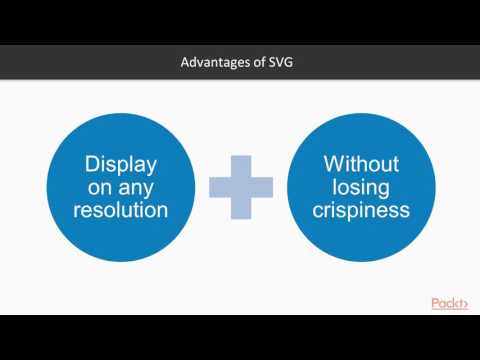
SVG stands for Scalable Vector Graphics. SVG is an XML-based vector graphics format. It provides options to draw different shapes such as Lines, Rectangles, Circles, Ellipses, etc. Hence, designing visualizations with SVG gives you more power and flexibility.