


Khushi sabhaya
Thank you
 (49 reviews)
 4 Lessons
 4 Students
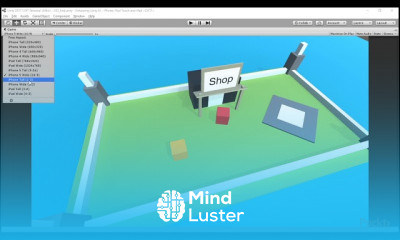
Unity UI is a UI toolkit for developing user interfaces for games and applications. It is a GameObject-based UI system that uses Components and the Game View to arrange, position, and style user interfaces .
 To Register in Course you have to watch at least 30 Second of any lesson
 Create complex, responsive user interfaces in Unity using advanced UI components and layout techniques
Implement interactive UI elements such as buttons, sliders, and menus with Unity UI system
Optimize Unity UI performance for smooth gameplay and application experiences
Design visually appealing, user-friendly interfaces with custom styling and animations in Unity
4 Lessons • 26 m total
You must have an
Account
on the platform.
Complete all lessons.
Watch at least 50% of Lesson Duration.
Get your Certificate free 🎉 !
4.2
(49 reviews)
Overall rating

Be the First One Review This Course
Thank you

Unity UI is a UI toolkit for developing user interfaces for games and applications. It is a GameObject-based UI system that uses Components and the Game View to arrange, position, and style user interfaces .
Experience the full power of Mindluster with Premium.
No distractions, just pure education.
Cancel your subscription anytime


















