


Pratik kumbhar
Excellent
 (89 reviews)
 3 Lessons
 14 Students
Move to iOS is available to anyone with a phone or tablet running Android 4.0 (Ice Cream Sandwich) or later. Move to iOS transfers much of your existing Android data to an iOS device without you having to manually transfer it or back it up on a computer .
 To Register in Course you have to watch at least 30 Second of any lesson
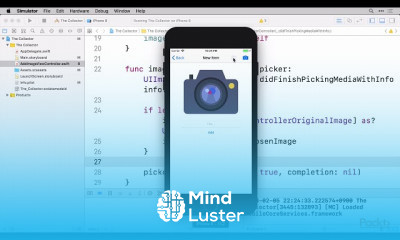
 Create iOS camera integration features to capture, process, and store images efficiently in mobile applications using Swift and UIKit
Implement image editing functionalities within iOS apps, including cropping, filtering, and adjusting image properties for enhanced user experience
Optimize image loading and display in iOS apps to improve performance and reduce memory usage with best practices and caching techniques
Utilize iOS frameworks to develop apps that seamlessly transfer, manage, and display images and camera data across devices
3 Lessons • 41 m total
You must have an
Account
on the platform.
Complete all lessons.
Watch at least 50% of Lesson Duration.
Get your Certificate free 🎉 !
4.6
(89 reviews)
Overall rating

Be the First One Review This Course
Excellent

Move to iOS is available to anyone with a phone or tablet running Android 4.0 (Ice Cream Sandwich) or later. Move to iOS transfers much of your existing Android data to an iOS device without you having to manually transfer it or back it up on a computer .
Experience the full power of Mindluster with Premium.
No distractions, just pure education.
Cancel your subscription anytime


















