×
MindLuster Logo

Beginning Metasploit

Track :

Programming

Lessons no : 5

For Free Certificate After Complete The Course

To Register in Course you have to watch at least 30 Second of any lesson

Join The Course Go To Community Download Course Content

What will you learn in this course?
  • Master how to launch and navigate the Metasploit Framework using Kali Linux terminal commands and interface.
  • Identify and utilize core Metasploit modules for penetration testing and vulnerability assessment.
  • Configure and customize Metasploit settings for efficient exploitation and security testing workflows.
  • Apply practical techniques to exploit vulnerabilities and simulate cyber attack scenarios using Metasploit.

How to Get The Certificate

  • You must have an account Register
  • Watch All Lessons
  • Watch at least 50% of Lesson Duration
  • you can follow your course progress From Your Profile
  • You can Register With Any Course For Free
  • The Certificate is free !
Lessons | 5


We Appreciate Your Feedback

Be the First One Review This Course

Excellent
0 Reviews
Good
0 Reviews
medium
0 Reviews
Acceptable
0 Reviews
Not Good
0 Reviews
0
0 Reviews

Madhava Prasad

good opportunity
2025-07-18

awa omaka

Insightful videos
2025-04-06

Ali Ahsan

good
2025-04-04

Johnson Kemboi

The guide was so good and am indeed happy to say that I have learned something new
2024-11-29

Lakhan Devidas Rathod

Awesome
2024-10-10

SHUBHANSHU PATEL

l
2024-03-18

Rajan Kumar

Good
2023-05-28

Our New Certified Courses Will Reach You in Our Telegram Channel
Join Our Telegram Channels to Get Best Free Courses


Join Now

Related Courses

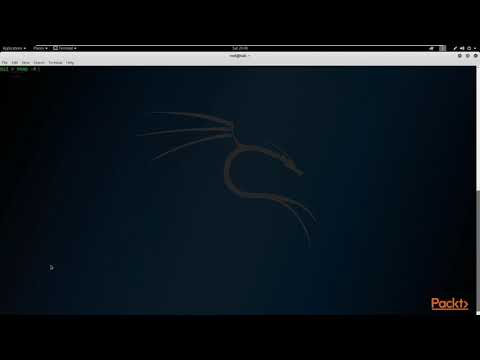
To begin using the Metasploit interface, open the Kali Linux terminal and type msfconsole. By default, msfconsole opens up with a banner; to remove that and start the interface in quiet mode, use the msfconsole command with the -q flag. The interface looks like a Linux command-line shell.