×
MindLuster Logo

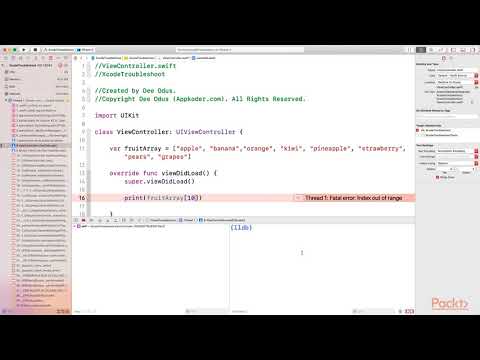
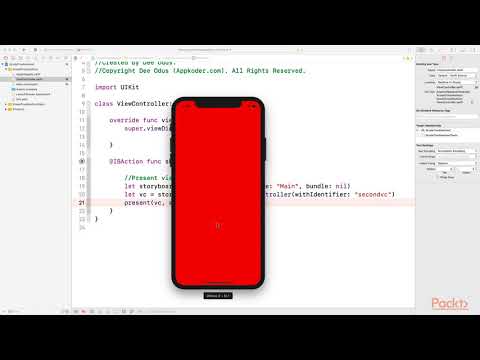
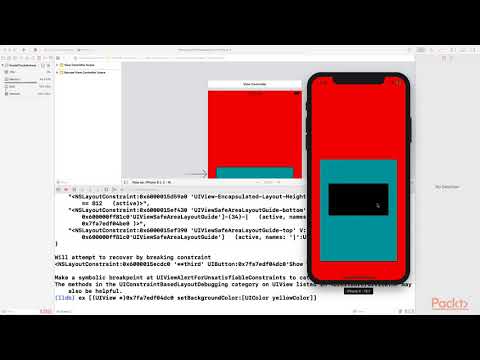
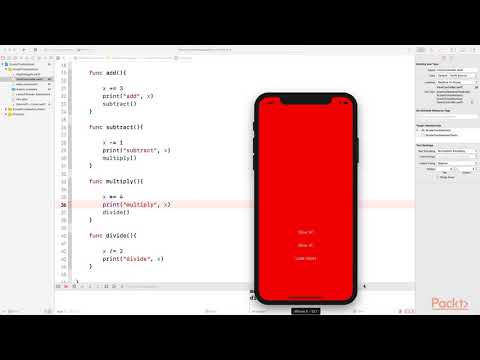
Troubleshooting with Xcode

Track :

Programming

Lessons no : 6

For Free Certificate After Complete The Course

To Register in Course you have to watch at least 30 Second of any lesson

Join The Course Go To Community Download Course Content
What will you learn in this course?
  • Master debugging techniques in Xcode to identify and resolve iOS, macOS, watchOS, and tvOS app issues effectively
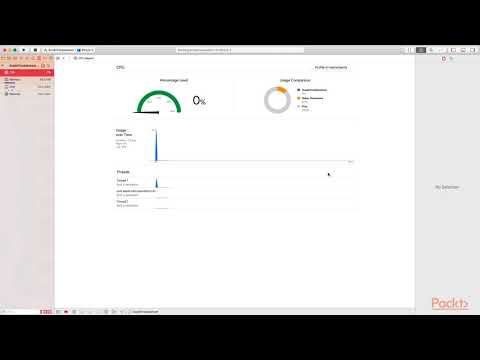
  • Utilize Xcode's Instruments and profiling tools to optimize app performance and memory management
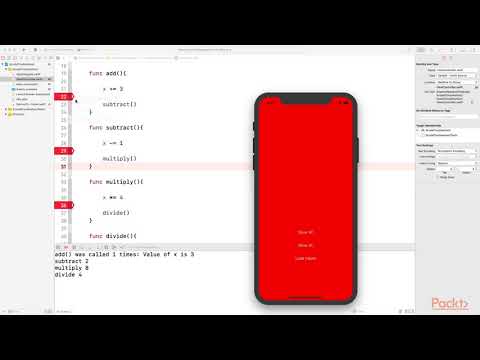
  • Implement efficient code troubleshooting strategies for Swift and Objective-C within Xcode environment
  • Leverage Xcode's simulator and testing features to ensure app stability across Apple devices and OS versions
  • Apply version control and collaboration tools integrated within Xcode for seamless development workflows
  • Diagnose and fix common build errors and runtime crashes in Apple platform app development

How to Get The Certificate

  • You must have an account Register
  • Watch All Lessons
  • Watch at least 50% of Lesson Duration
  • you can follow your course progress From Your Profile
  • You can Register With Any Course For Free
  • The Certificate is free !
Lessons | 6


We Appreciate Your Feedback

Be the First One Review This Course

Excellent
0 Reviews
Good
0 Reviews
medium
0 Reviews
Acceptable
0 Reviews
Not Good
0 Reviews
0
0 Reviews

Our New Certified Courses Will Reach You in Our Telegram Channel
Join Our Telegram Channels to Get Best Free Courses


Join Now

Related Courses

Tools you'll love to use. The Xcode IDE is at the center of the Apple development experience. Tightly integrated with the Cocoa and Cocoa Touch frameworks, Xcode is an incredibly productive environment for building apps for Mac, iPhone, iPad, Apple Watch, and Apple TV .