×
MindLuster Logo

Data Visualization Tableau 2019

Track :

Programming

Lessons no : 8

For Free Certificate After Complete The Course

To Register in Course you have to watch at least 30 Second of any lesson

Join The Course Go To Community Download Course Content

What will you learn in this course?
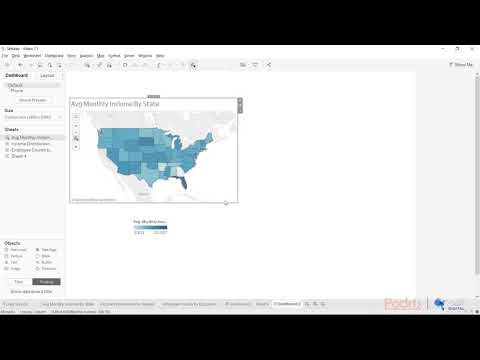
  • Create interactive dashboards and visualizations using Tableau 2019 for data analysis and storytelling
  • Apply advanced chart types in Tableau to represent complex data insights effectively
  • Utilize Tableau's data blending and filtering features to enhance data exploration and analysis
  • Implement calculated fields and parameters to perform dynamic data calculations in Tableau
  • Optimize data sources and connections for efficient performance in Tableau dashboards
  • Interpret and communicate data insights clearly through visually compelling Tableau visualizations

How to Get The Certificate

  • You must have an account Register
  • Watch All Lessons
  • Watch at least 50% of Lesson Duration
  • you can follow your course progress From Your Profile
  • You can Register With Any Course For Free
  • The Certificate is free !
Lessons | 8


We Appreciate Your Feedback

Excellent
2 Reviews
Good
0 Reviews
medium
0 Reviews
Acceptable
0 Reviews
Not Good
0 Reviews
4.5
10 Reviews

Praveena B

REALLY USEFUL CLASS
2025-09-22

Jeeshan Shaikh

.
2025-05-07

Harshit Sachdeva

awesome
2025-03-26

Ranjeet Kumar

Amazing
2025-01-27

Govindu Vinod

Great
2025-01-26

Soundarya G

Good
2025-01-21

Sajal Chaturvedi

A quick and good refresher as well as introduction to Tableau for beginners
2024-05-24

Arya s Kumar

Nice
2023-09-24

Mansi Raj

good
2023-08-29

Gorlu Gayathri

Superb
2023-08-19

Revati Salokhe

great course
2023-07-28

Show More Reviews

Our New Certified Courses Will Reach You in Our Telegram Channel
Join Our Telegram Channels to Get Best Free Courses


Join Now

Related Courses

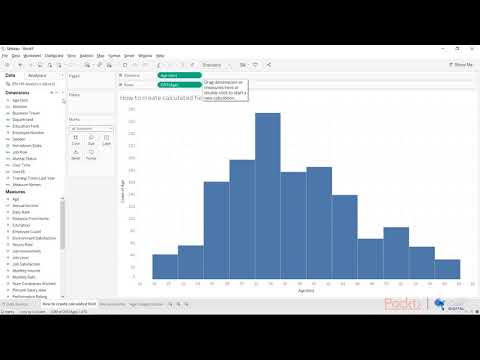
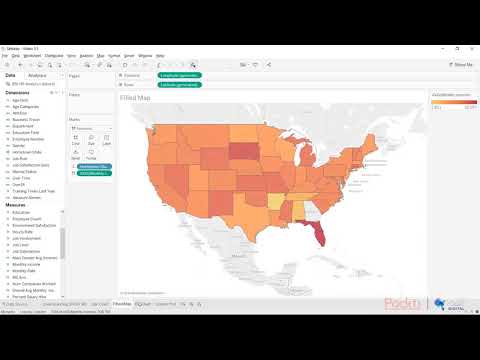
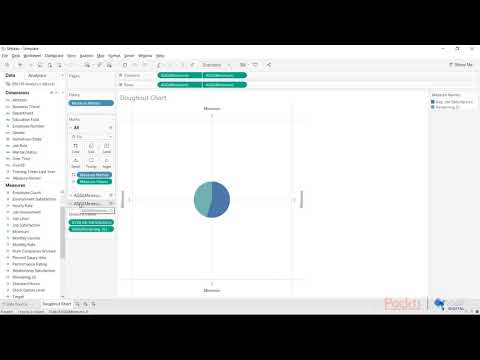
Tableau is a very effective tool to create interactive data visualizations very quickly. It is very simple and user-friendly. Tableau can create complex graphs giving a similar feel as the pivot table graphs in Excel. Moreover, it can handle a lot more data and quickly provide calculations on datasets .