×
MindLuster Logo

Mastering Visual Studio Programming

Track :

Programming

Lessons no : 6

For Free Certificate After Complete The Course

To Register in Course you have to watch at least 30 Second of any lesson

Join The Course Go To Community Download Course Content
What will you learn in this course?
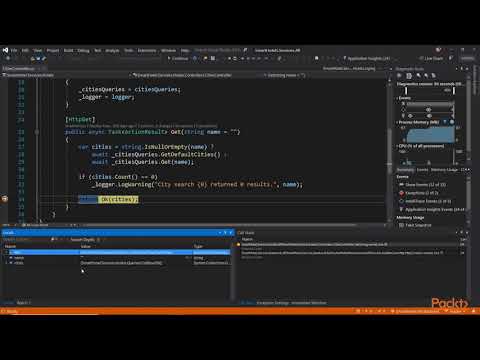
  • Develop proficiently in Visual Studio for Visual Basic programming and console application development
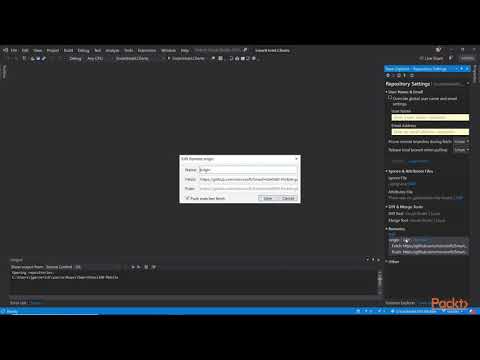
  • Utilize Visual Studio tools and features to streamline coding, debugging, and project management
  • Create, compile, and run Visual Basic console applications efficiently within Visual Studio environment
  • Implement best practices for coding, version control, and troubleshooting in Visual Studio
  • Design user-friendly console interfaces using Visual Basic in Visual Studio
  • Apply debugging and testing techniques to ensure robust Visual Basic applications

How to Get The Certificate

  • You must have an account Register
  • Watch All Lessons
  • Watch at least 50% of Lesson Duration
  • you can follow your course progress From Your Profile
  • You can Register With Any Course For Free
  • The Certificate is free !
Lessons | 6


We Appreciate Your Feedback

Be the First One Review This Course

Excellent
0 Reviews
Good
0 Reviews
medium
0 Reviews
Acceptable
0 Reviews
Not Good
0 Reviews
0
0 Reviews

Rushikesh Dnyaneshwar Kusmude

It was good and nice to learn
2025-11-17

Usha

Nice
2025-10-10

Eric

OK
2025-10-03

Shaheen Noonari Shah Mohammad

it was good for me to learn from here it is too much help full for the students
2025-09-04

Adegboyega Taiwo Thomas

Wholesome
2025-08-08

ABIN SAJI INT MCA 2022-2027

Good
2025-04-20

ALWIN VARGHESE INT MCA 2022-2027

good
2025-04-19

AMAL BABU INT MCA 2022-2027

HI
2025-04-18

Krishnapriya Rajesh

good
2025-04-11

BALASHANKAR S PILLAI

Roshan Fans Come Here!!!
2025-04-11

AKSHAY KRISHNAN INT MCA 2022-2027

not good class
2025-04-11

ALAN VARGHESE INT MCA 2022-2027

good
2025-04-11

Our New Certified Courses Will Reach You in Our Telegram Channel
Join Our Telegram Channels to Get Best Free Courses


Join Now

Related Courses

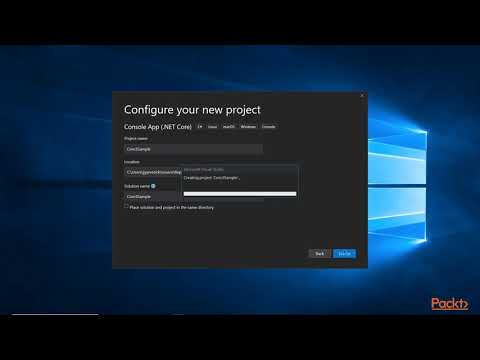
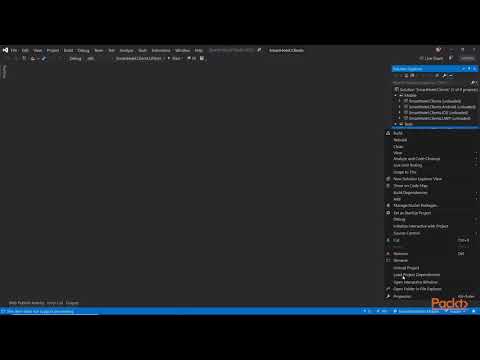
Open Visual Studio. On the start window, choose Create a new project. In the Create a new project window, choose Visual Basic from the Language list. Next, choose Windows from the Platform list and Console from the Project types list .