×
MindLuster Logo

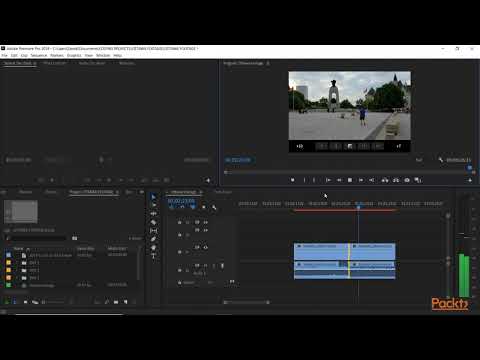
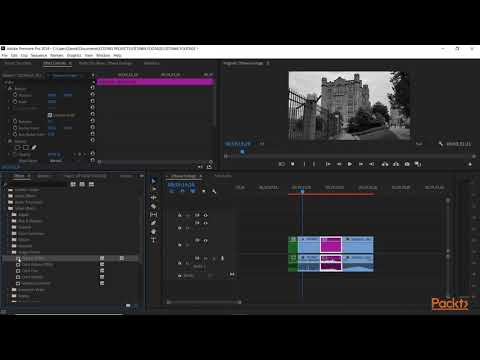
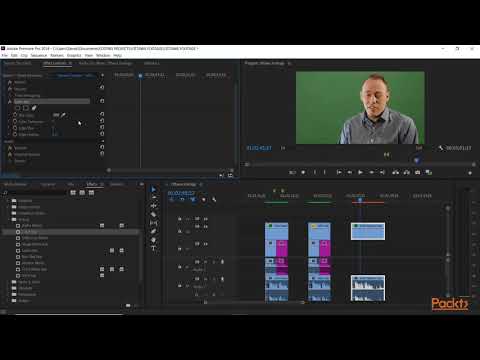
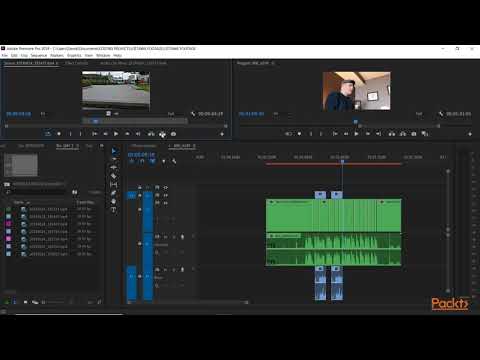
Mastering Adobe Premiere Pro CC

Track :

Graphic Design

Lessons no : 8

For Free Certificate After Complete The Course

To Register in Course you have to watch at least 30 Second of any lesson

Join The Course Go To Community Download Course Content
What will you learn in this course?
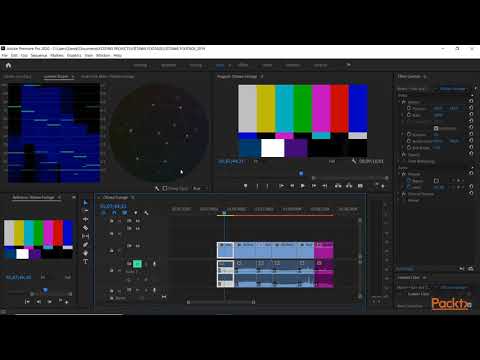
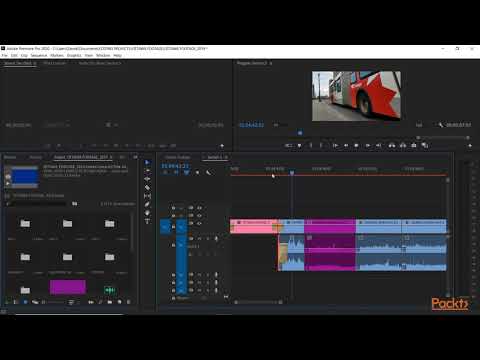
  • Create professional videos by mastering Adobe Premiere Pro CC editing tools and timeline management skills
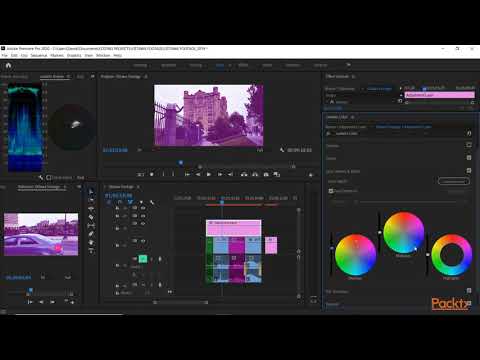
  • Apply advanced video editing techniques including transitions, effects, and color correction in Adobe Premiere Pro CC
  • Enhance video storytelling with audio editing, synchronization, and sound effects using Adobe Premiere Pro CC features
  • Export high-quality videos optimized for YouTube, social media, and various digital platforms with Adobe Premiere Pro CC
  • Implement efficient project organization and workflow strategies within Adobe Premiere Pro CC for faster editing
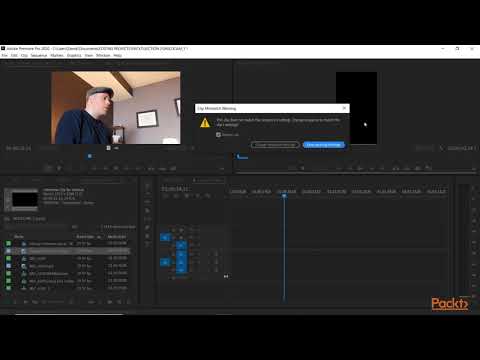
  • Troubleshoot common Adobe Premiere Pro CC issues and optimize performance for smooth editing experiences

How to Get The Certificate

  • You must have an account Register
  • Watch All Lessons
  • Watch at least 50% of Lesson Duration
  • you can follow your course progress From Your Profile
  • You can Register With Any Course For Free
  • The Certificate is free !
Lessons | 8


We Appreciate Your Feedback

Excellent
2 Reviews
Good
-1 Reviews
medium
0 Reviews
Acceptable
1 Reviews
Not Good
2 Reviews
4.3
60 Reviews

YEABSIRA ENDASHAW TEKLEA

great
2025-12-13

Rigels Tego

Cool
2025-11-22

Jose Angelo V. Cruz III

A great hands-on course that dives into the essentials of Adobe Premiere Pro perfect for mastering video editing tools and creating professional-quality projects.
2025-11-04

Osman Farhan Mohamed

The Adobe Premiere Pro course was very clear practical, and easy to follow I gained valuable skills that I can already apply to my projects Thank you
2025-10-02

Jashan Rai

nice work
2025-09-30

BELAY CHEBUD HABTEWOLD

excellent
2025-08-14

Puneet kumar

The last video very informative and I love this course, it was very helpful.
2025-06-15

Shaan_ Pavi

its good
2025-04-02

Mr. HellGod

best one
2025-04-02

Knda Alshofi

Perfect
2025-03-12

Gyan

Nice
2025-03-01

MrBeast Ameer

not good
2025-02-18

Show More Reviews

Our New Certified Courses Will Reach You in Our Telegram Channel
Join Our Telegram Channels to Get Best Free Courses


Join Now

Related Courses

As I previously mentioned, the three most popular programs that Youtubers use to edit their videos are iMovie, Final Cut Pro, and Adobe Premiere Pro CC. A first option is a perfect tool for beginners. If you are a complete newbie, you can use iMovie on Mac OS .