

Aashish Chaudhary
better to do this crash course
 (5 reviews)
 7 Lessons
 49 Students
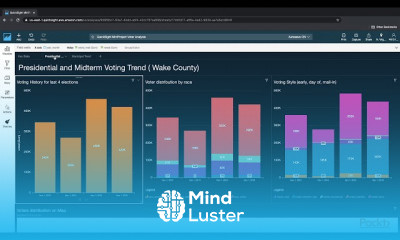
A dashboard is a read-only snapshot of an analysis that you can share with other Amazon QuickSight users for reporting purposes. A dashboard preserves the configuration of the analysis at the time you publish it, including such things as filtering, parameters, controls, and sort order.
 To Register in Course you have to watch at least 30 Second of any lesson
 Create interactive dashboards in Amazon QuickSight to visualize business data and insights effectively using filters and controls
Design and customize Amazon QuickSight dashboards to enhance data storytelling and user engagement
Implement data filtering, parameters, and sorting techniques to improve dashboard accuracy and relevance in Amazon QuickSight
Share and collaborate on Amazon QuickSight dashboards securely with team members and stakeholders
Optimize dashboard performance and usability for real-time data analysis and decision-making in Amazon QuickSight
Apply best practices for designing visually appealing and informative dashboards in Amazon QuickSight
7 Lessons • 34 m total
 You must have an
Account
on the platform.
Complete all lessons.
Watch at least 50% of Lesson Duration.
Get your Certificate free 🎉 !
5.0
(5 reviews)
Overall rating

Be the First One Review This Course
better to do this crash course

Good
Excellent
Great Learning Examples

ows

A dashboard is a read-only snapshot of an analysis that you can share with other Amazon QuickSight users for reporting purposes. A dashboard preserves the configuration of the analysis at the time you publish it, including such things as filtering, parameters, controls, and sort order.
Experience the full power of Mindluster with Premium.
No distractions, just pure education.
Cancel your subscription anytime


















