×
MindLuster Logo

Adaptive Cards in Microsoft

Track :

Programming

Lessons no : 14

For Free Certificate After Complete The Course

To Register in Course you have to watch at least 30 Second of any lesson

Join The Course Go To Community Download Course Content
What will you learn in this course?
  • Create interactive Adaptive Cards with dynamic content for Microsoft Teams and other Microsoft 365 applications
  • Design visually appealing Adaptive Cards using text, images, and buttons for enhanced user engagement
  • Implement Adaptive Cards in chatbots and message extensions to improve communication workflows
  • Customize Adaptive Card layouts to suit specific business scenarios and user needs
  • Integrate Adaptive Cards with Microsoft Graph API for real-time data updates and actions
  • Troubleshoot and optimize Adaptive Card performance across Microsoft platforms
  • Apply best practices for accessibility and responsiveness in Adaptive Card design
  • Leverage Adaptive Cards to automate tasks and streamline collaboration within Microsoft Teams

How to Get The Certificate

  • You must have an account Register
  • Watch All Lessons
  • Watch at least 50% of Lesson Duration
  • you can follow your course progress From Your Profile
  • You can Register With Any Course For Free
  • The Certificate is free !
Lessons | 14


We Appreciate Your Feedback

Be the First One Review This Course

Excellent
0 Reviews
Good
0 Reviews
medium
0 Reviews
Acceptable
0 Reviews
Not Good
0 Reviews
0
0 Reviews

Our New Certified Courses Will Reach You in Our Telegram Channel
Join Our Telegram Channels to Get Best Free Courses


Join Now

Related Courses

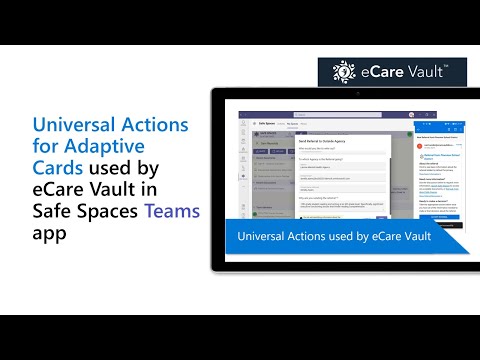
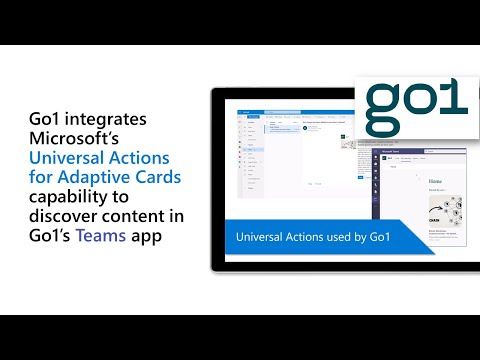
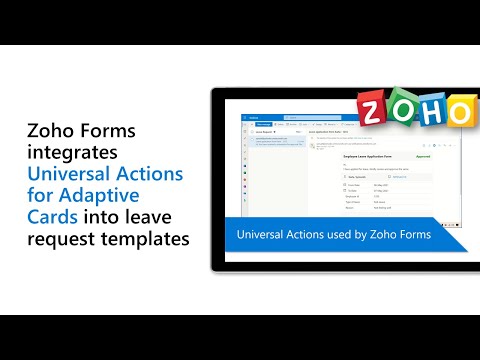
Adaptive Cards are actionable snippets of content that you can add to a conversation through a bot or message extension. Using text, graphics, and buttons, these cards provide rich communication to your audience. The Adaptive Card framework is used across many Microsoft products, including Teams.