


Ubabuko Charles Ikechukwu
It was amazing
 (136 reviews)
 5 Lessons
 47 Students
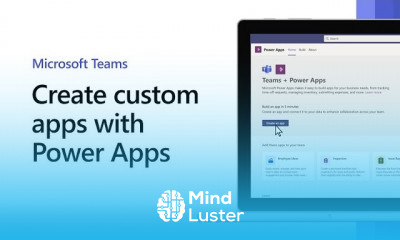
Use the new Power Apps app in Teams to create canvas apps within Teams backed by Dataverse for Teams, the new built-in, low-code data platform .
 To Register in Course you have to watch at least 30 Second of any lesson
 Create custom canvas apps within Microsoft Teams using Power Apps for seamless collaboration and productivity
Design and implement data-driven solutions using Dataverse for Teams in Power Platform environments
Integrate Power Apps with Teams channels and tabs to enhance team workflows and communication
Apply low-code development techniques to build, test, and deploy functional apps directly within Microsoft Teams
5 Lessons • 7 m total
You must have an
Account
on the platform.
Complete all lessons.
Watch at least 50% of Lesson Duration.
Get your Certificate free 🎉 !
4.8
(136 reviews)
Overall rating

Be the First One Review This Course
It was amazing
Nice

Great topic
MS Power Platform
GREATE
excellent

Use the new Power Apps app in Teams to create canvas apps within Teams backed by Dataverse for Teams, the new built-in, low-code data platform .
Experience the full power of Mindluster with Premium.
No distractions, just pure education.
Cancel your subscription anytime


















