×
MindLuster Logo

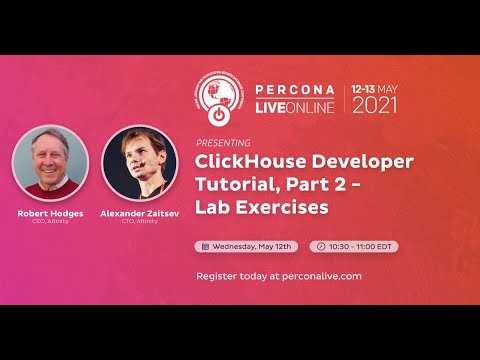
Altinity Programming

Track :

Programming

Lessons no : 10

For Free Certificate After Complete The Course

To Register in Course you have to watch at least 30 Second of any lesson

Join The Course Go To Community Download Course Content

What will you learn in this course?
  • Configure and install ClickHouse server and client efficiently for data management and analytics
  • Perform system updates and package installations using sudo apt-get commands for optimized server setup
  • Start, stop, and manage ClickHouse server services to ensure reliable database operations
  • Connect to ClickHouse using command-line client with or without password authentication
  • Customize ClickHouse installation by selecting different release trains like stable, LTS, or testing
  • Troubleshoot common issues in ClickHouse setup and optimize performance for large-scale data analytics

How to Get The Certificate

  • You must have an account Register
  • Watch All Lessons
  • Watch at least 50% of Lesson Duration
  • you can follow your course progress From Your Profile
  • You can Register With Any Course For Free
  • The Certificate is free !
Lessons | 10


We Appreciate Your Feedback

Be the First One Review This Course

Excellent
0 Reviews
Good
0 Reviews
medium
0 Reviews
Acceptable
0 Reviews
Not Good
0 Reviews
0
0 Reviews

Our New Certified Courses Will Reach You in Our Telegram Channel
Join Our Telegram Channels to Get Best Free Courses


Join Now

Related Courses

list sudo apt-get update sudo apt-get install -y clickhouse-server clickhouse-client sudo service clickhouse-server start clickhouse-client # or "clickhouse-client --password" if you set up a password. You can replace stable with lts or testing to use different release trains based on your needs.