×
MindLuster Logo

Menus Android Programming

Track :

Programming

Lessons no : 8

For Free Certificate After Complete The Course

To Register in Course you have to watch at least 30 Second of any lesson

Join The Course Go To Community Download Course Content
What will you learn in this course?
  • Create and customize Android menus using XML resources for enhanced app navigation and user experience
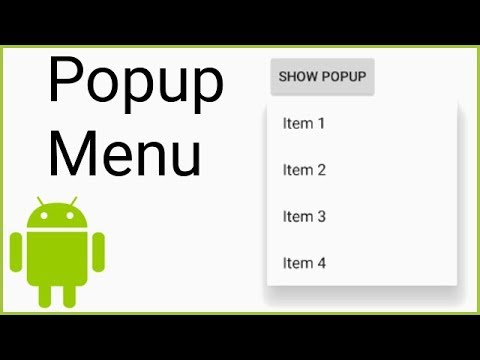
  • Implement different menu types in Android, including options, context, and popup menus, for versatile app interfaces
  • Design and organize menu items with icons, submenus, and groupings to improve app usability and aesthetics
  • Integrate menu actions with Android activity lifecycle to handle user selections effectively
  • Optimize menu XML files for performance, accessibility, and compatibility across Android devices
  • Apply best practices for menu design to ensure intuitive navigation and consistent user interactions

How to Get The Certificate

  • You must have an account Register
  • Watch All Lessons
  • Watch at least 50% of Lesson Duration
  • you can follow your course progress From Your Profile
  • You can Register With Any Course For Free
  • The Certificate is free !
Lessons | 8


We Appreciate Your Feedback

Be the First One Review This Course

Excellent
0 Reviews
Good
0 Reviews
medium
0 Reviews
Acceptable
0 Reviews
Not Good
0 Reviews
0
0 Reviews

Muhsin Kamil Ishak Lebbai

good and useful
2025-12-10

Our New Certified Courses Will Reach You in Our Telegram Channel
Join Our Telegram Channels to Get Best Free Courses


Join Now

Related Courses

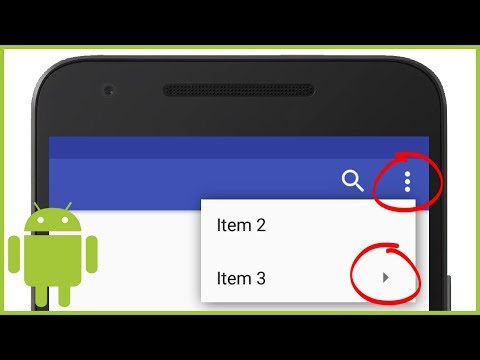
For all menu types, Android provides a standard XML format to define menu items. Instead of building a menu in your activity's code, you should define a menu and all its items in an XML menu resource .