


Nora_taallah
...
 (85 reviews)
 4 Lessons
 1 Students
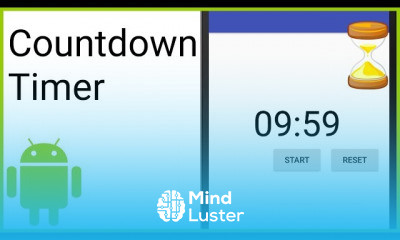
CountDownTimer in Android is used to set a countdown based on interval set by you and it will stop when the time has come in future. You can use this Count Down Timer for creating any countdown for event.
 To Register in Course you have to watch at least 30 Second of any lesson
 Create Android countdown timers using CountDownTimer class for event scheduling and user notifications
Implement precise countdowns with customizable intervals for Android applications
Integrate CountDownTimer into Android apps to enhance user engagement and experience
Troubleshoot common issues in Android countdown timer implementation for reliable performance
4 Lessons • 50 m total
You must have an
Account
on the platform.
Complete all lessons.
Watch at least 50% of Lesson Duration.
Get your Certificate free 🎉 !
4.2
(85 reviews)
Overall rating

Be the First One Review This Course
...

CountDownTimer in Android is used to set a countdown based on interval set by you and it will stop when the time has come in future. You can use this Count Down Timer for creating any countdown for event.
Experience the full power of Mindluster with Premium.
No distractions, just pure education.
Cancel your subscription anytime


















