


Nora_taallah
...
 (189 reviews)
 3 Lessons
 1 Students
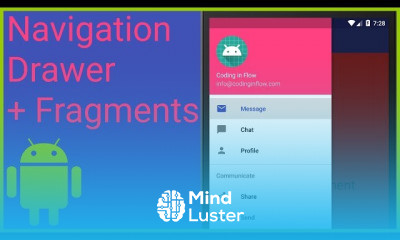
Navigation drawers provide access to destinations and app functionality, such as switching accounts. They can either be permanently on-screen or controlled by a navigation menu icon. Navigation drawers are recommended for: Apps with five or more top-level destinations.
 To Register in Course you have to watch at least 30 Second of any lesson
 Create and implement navigation drawers for Android apps using fragments and menu icons
Design user-friendly navigation drawers to enhance app accessibility and user experience
Integrate navigation drawer functionality with fragment transactions for seamless content switching
Optimize navigation drawer layouts for apps with multiple top-level destinations and improved usability
3 Lessons • 37 m total
You must have an
Account
on the platform.
Complete all lessons.
Watch at least 50% of Lesson Duration.
Get your Certificate free 🎉 !
4.7
(189 reviews)
Overall rating

Be the First One Review This Course
...

Navigation drawers provide access to destinations and app functionality, such as switching accounts. They can either be permanently on-screen or controlled by a navigation menu icon. Navigation drawers are recommended for: Apps with five or more top-level destinations.
Experience the full power of Mindluster with Premium.
No distractions, just pure education.
Cancel your subscription anytime


















