×
MindLuster Logo

Android Studio IntelliJ IDEA Keyboard

Track :

Programming

Lessons no : 6

For Free Certificate After Complete The Course

To Register in Course you have to watch at least 30 Second of any lesson

Join The Course Go To Community Download Course Content
What will you learn in this course?
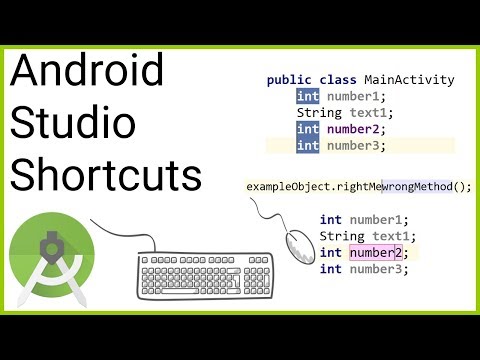
  • Master essential Android Studio IntelliJ IDEA keyboard shortcuts for efficient development and navigation in Android projects
  • Customize IntelliJ IDEA keymaps to optimize workflow and improve coding productivity in Android Studio
  • Navigate Android Studio seamlessly using predefined and personalized keyboard shortcuts for faster coding and debugging
  • Configure and manage IntelliJ IDEA keymaps to streamline Android app development processes
  • Identify and utilize keymap settings in IntelliJ IDEA to enhance Android Studio usability and efficiency
  • Implement best practices for keyboard shortcut customization to accelerate Android development tasks

How to Get The Certificate

  • You must have an account Register
  • Watch All Lessons
  • Watch at least 50% of Lesson Duration
  • you can follow your course progress From Your Profile
  • You can Register With Any Course For Free
  • The Certificate is free !
Lessons | 6


We Appreciate Your Feedback

Be the First One Review This Course

Excellent
0 Reviews
Good
0 Reviews
medium
0 Reviews
Acceptable
0 Reviews
Not Good
0 Reviews
0
0 Reviews

Our New Certified Courses Will Reach You in Our Telegram Channel
Join Our Telegram Channels to Get Best Free Courses


Join Now

Related Courses

IntelliJ IDEA includes several predefined keymaps and lets you customize frequently used shortcuts. To view the keymap configuration, open the Settings/Preferences dialog Ctrl+Alt+S and select Keymap. IntelliJ IDEA automatically suggests a predefined keymap based on your environment .