×
MindLuster Logo

Designing business flyers in Photoshop CC

Track :

Graphic Design

Lessons no : 24

For Free Certificate After Complete The Course

To Register in Course you have to watch at least 30 Second of any lesson

Join The Course Go To Community Download Course Content

What will you learn in this course?
  • Create visually appealing business flyers using Adobe Photoshop CC with effective layout and design principles
  • Apply color harmony, typography, and image placement to enhance flyer impact and brand consistency
  • Utilize Photoshop tools like layers, shapes, and text for professional flyer composition and customization
  • Implement grid systems and alignment techniques to ensure balanced and structured flyer designs
  • Use blending modes and smart objects to enhance images and enable flexible editing in flyers
  • Design flyers optimized for both print and digital formats, considering size and resolution requirements
  • Develop eye-catching headlines and layouts that effectively communicate marketing messages and promotions
  • Incorporate branding elements and visual hierarchy to strengthen brand identity in flyer designs
  • Employ practical Photoshop skills to create promotional flyers for products, services, events, or corporate announcements
  • Evaluate and refine flyer designs for visual effectiveness, readability, and audience engagement

How to Get The Certificate

  • You must have an account Register
  • Watch All Lessons
  • Watch at least 50% of Lesson Duration
  • you can follow your course progress From Your Profile
  • You can Register With Any Course For Free
  • The Certificate is free !
Lessons | 24


We Appreciate Your Feedback

Excellent
1 Reviews
Good
1 Reviews
medium
0 Reviews
Acceptable
0 Reviews
Not Good
0 Reviews
4.5
2 Reviews

Ben ameur rym

Excellent
2025-07-19

Biprojit Singha

Very good
2025-04-06

Show More Reviews

Our New Certified Courses Will Reach You in Our Telegram Channel
Join Our Telegram Channels to Get Best Free Courses

Join Now

Related Courses

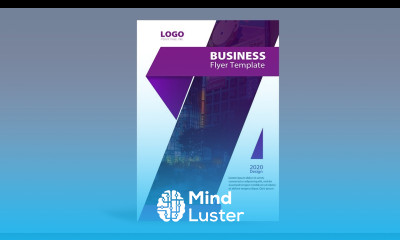
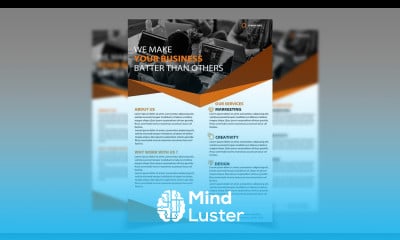
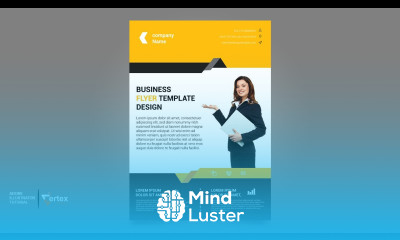
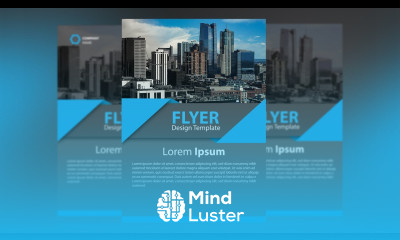
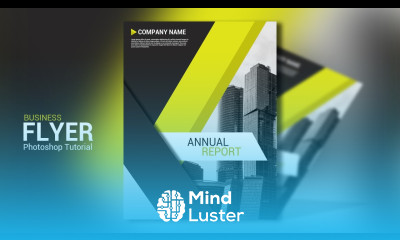
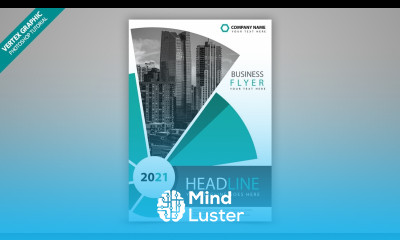
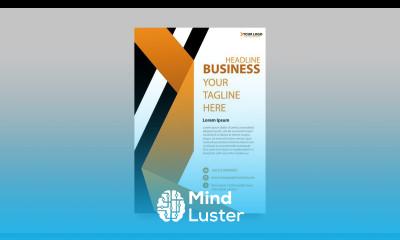
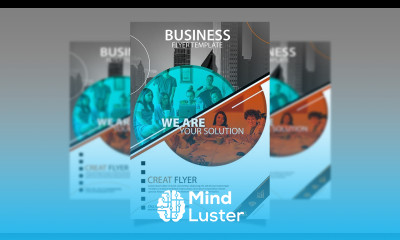
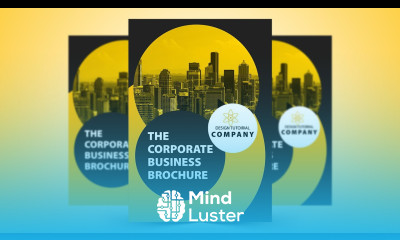
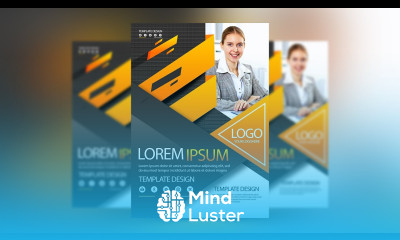
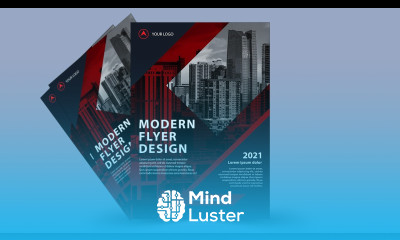
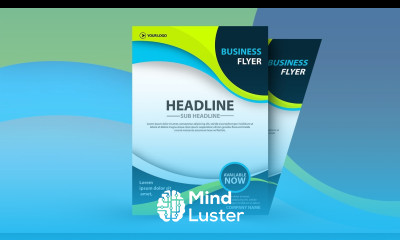
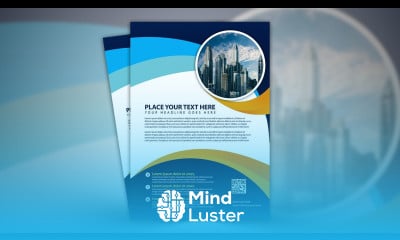
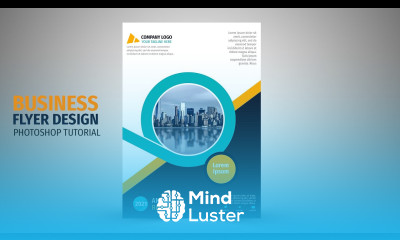
Designing business flyers in Photoshop course, in this course focuses on creating visually compelling and professional business flyers using Adobe Photoshop. You will start by learning the basics of flyer dimensions, including standard sizes like A4 or A5, and how to set up your canvas for print or digital purposes. The course will guide you through essential design principles such as color harmony, typography selection, and image placement to ensure your flyer is both visually appealing and aligned with your brand identity. You'll also explore key Photoshop tools like layers, shapes, and text tools to create eye-catching headlines and layouts that effectively communicate your message. By the end of the course, you’ll have mastered techniques like using grids for alignment, blending modes for image enhancement, and smart objects for flexible editing. Practical exercises will help solidify your skills as you create flyers that are ideal for promoting products, services, events, or corporate announcements. Whether you're a business owner, marketer, or designer, this course will provide you with the tools and knowledge to design professional flyers that captivate and inform your target audience.