×
MindLuster Logo

Vector Logo design in illustrator

Track :

Graphic Design

Lessons no : 19

For Free Certificate After Complete The Course

To Register in Course you have to watch at least 30 Second of any lesson

Join The Course Go To Community Download Course Content

What will you learn in this course?
  • Create precise vector logos using Adobe Illustrator tools like Pen, Shape Builder, and Pathfinder
  • Apply fundamental principles of vector graphics to ensure logo scalability and clarity across media
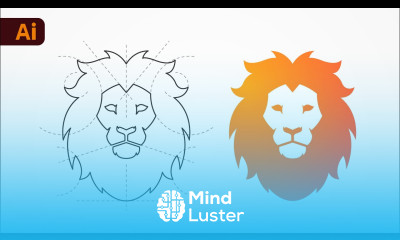
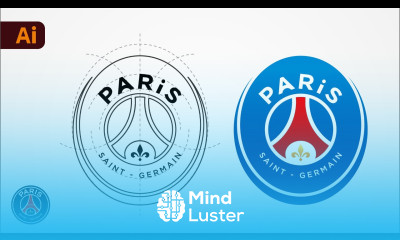
  • Design symmetrical and proportionate logos by mastering alignment, transformation, and geometric techniques
  • Enhance logos with gradients, textures, and effects to add depth and visual interest
  • Select appropriate color schemes and typography to strengthen brand identity and logo impact
  • Transform simple shapes into professional, polished logo designs with advanced Illustrator techniques
  • Optimize logos for digital and print media, ensuring versatility and high-quality output
  • Develop branding elements that complement and enhance your custom vector logo designs

How to Get The Certificate

  • You must have an account Register
  • Watch All Lessons
  • Watch at least 50% of Lesson Duration
  • you can follow your course progress From Your Profile
  • You can Register With Any Course For Free
  • The Certificate is free !
Lessons | 19


We Appreciate Your Feedback

Be the First One Review This Course

Excellent
0 Reviews
Good
0 Reviews
medium
0 Reviews
Acceptable
0 Reviews
Not Good
0 Reviews
0
0 Reviews

Our New Certified Courses Will Reach You in Our Telegram Channel
Join Our Telegram Channels to Get Best Free Courses

Join Now

Related Courses

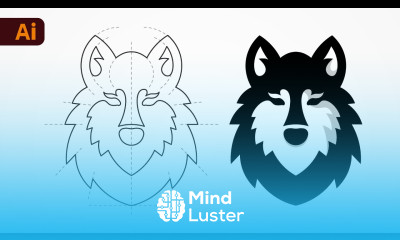
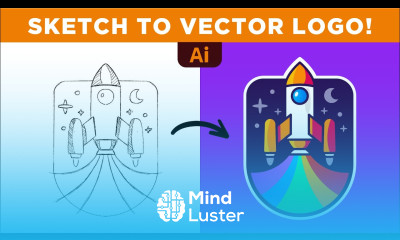
Vector Logo design in illustrator course, in this course we will learn about Vector Logo Design in Illustrator, a fundamental skill for any graphic designer. You’ll start by exploring the basics of vector graphics, understanding why logos designed as vectors maintain their clarity and sharpness regardless of scaling. We'll cover essential Illustrator tools, such as the Pen Tool, Shape Builder Tool, and Pathfinder, to create clean, precise shapes and paths for your logo. You will learn how to transform simple geometric shapes into professional logo designs by using symmetry, alignment, and proportions effectively. This course also covers advanced techniques for refining logos, such as adding gradients, textures, and effects to give your logo depth and uniqueness. Additionally, you'll explore how to choose the right color schemes, typography, and branding elements to enhance your logo’s impact. By the end of the course, you'll have the skills to create custom vector logos that are versatile, scalable, and ready for both digital and print media, perfect for any branding project.