×
MindLuster Logo

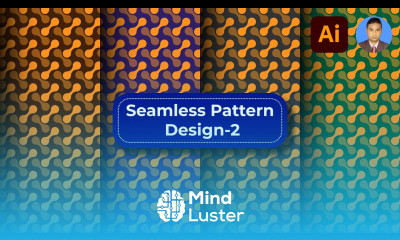
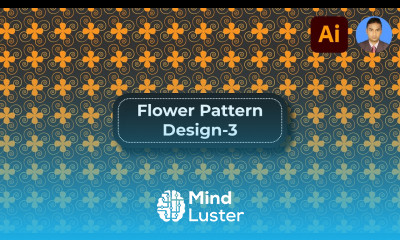
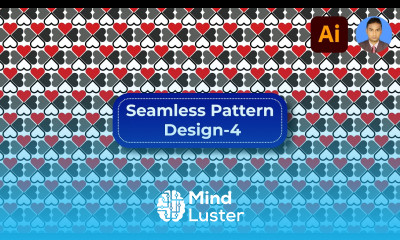
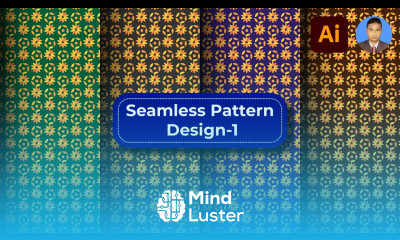
Pattern background design in illustrator

Track :

Graphic Design

Lessons no : 4

For Free Certificate After Complete The Course

To Register in Course you have to watch at least 30 Second of any lesson

Join The Course Go To Community Download Course Content
What will you learn in this course?
  • Create seamless, tileable patterns using Illustrator’s Pattern Options panel for versatile backgrounds
  • Design intricate patterns with basic shapes and the Shape Builder Tool for unique visual effects
  • Apply colors, gradients, and visual enhancements to make patterns more appealing and dynamic
  • Adjust pattern spacing and alignment to ensure cohesive and professional-looking backgrounds

How to Get The Certificate

  • You must have an account Register
  • Watch All Lessons
  • Watch at least 50% of Lesson Duration
  • you can follow your course progress From Your Profile
  • You can Register With Any Course For Free
  • The Certificate is free !
Lessons | 4


We Appreciate Your Feedback

Be the First One Review This Course

Excellent
0 Reviews
Good
0 Reviews
medium
0 Reviews
Acceptable
0 Reviews
Not Good
0 Reviews
0
0 Reviews

Valdireno da Silva Souza

Very good
2025-02-21

Vignesh Vignesh

Very nice teaching
2025-01-02

Dr.Ghvs Sarma

Adaptable
2024-10-23

Our New Certified Courses Will Reach You in Our Telegram Channel
Join Our Telegram Channels to Get Best Free Courses


Join Now

Related Courses

Pattern background design in illustrator course, in this course we will learn about Pattern Background Design in Illustrator, focusing on creating visually appealing and repetitive patterns that can serve as backgrounds for various design projects. You’ll start by exploring the fundamentals of pattern creation, including how to use Illustrator’s Pattern Options panel to design seamless, tileable backgrounds. We will cover essential techniques such as using basic shapes and the Shape Builder Tool to craft intricate patterns, and applying colors and gradients to enhance visual interest. You’ll also learn how to adjust pattern spacing and alignment to ensure a cohesive look across large areas. The course will guide you through the process of creating custom patterns, saving them for future use, and applying them to different design elements.