×
MindLuster Logo

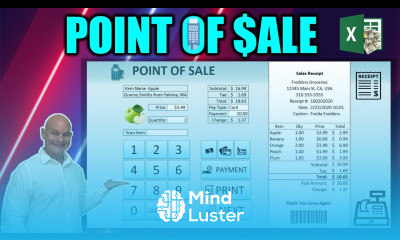
Designing Point of sale application in excel

Track :

Computer Softwares

Lessons no : 15

For Free Certificate After Complete The Course

To Register in Course you have to watch at least 30 Second of any lesson

Join The Course Go To Community Download Course Content
What will you learn in this course?
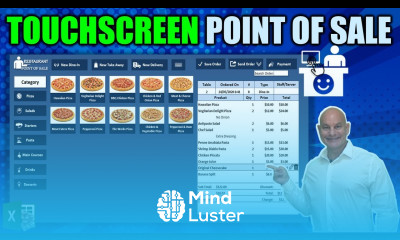
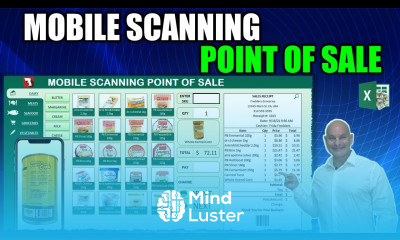
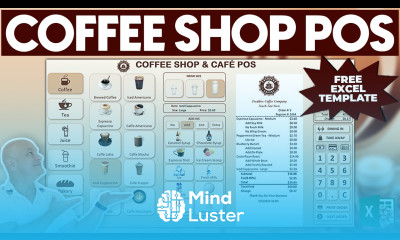
  • Create a customizable POS system in Excel for retail or hospitality businesses using formulas and VBA automation
  • Design interactive dashboards in Excel to monitor sales, inventory, and customer data in real-time
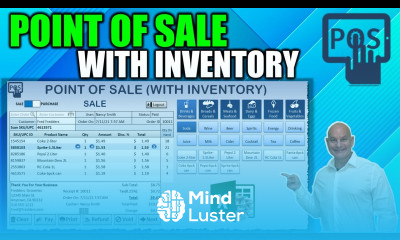
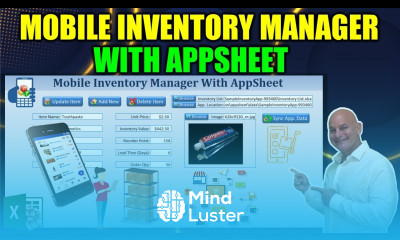
  • Implement inventory management features to track stock levels, reorder points, and product details efficiently
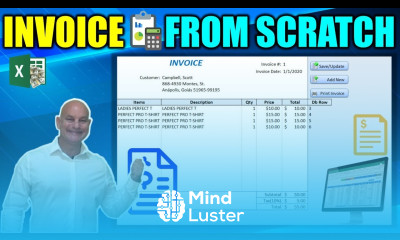
  • Develop automated receipt generation and invoice customization for professional customer transactions
  • Utilize Excel macros and conditional formatting to streamline sales processes and reduce manual errors
  • Build user-friendly interfaces for seamless POS operation and data entry in Excel
  • Analyze sales data with Excel tools to generate insights, reports, and support data-driven decision-making
  • Manage customer information effectively to enhance loyalty, marketing, and personalized service

How to Get The Certificate

  • You must have an account Register
  • Watch All Lessons
  • Watch at least 50% of Lesson Duration
  • you can follow your course progress From Your Profile
  • You can Register With Any Course For Free
  • The Certificate is free !
Lessons | 15


We Appreciate Your Feedback

Excellent
1 Reviews
Good
0 Reviews
medium
0 Reviews
Acceptable
0 Reviews
Not Good
0 Reviews
5
1 Reviews

Lorlie J. Villanueva

Still watching for a too much long video.
2025-02-11

Show More Reviews

Our New Certified Courses Will Reach You in Our Telegram Channel
Join Our Telegram Channels to Get Best Free Courses


Join Now

Related Courses

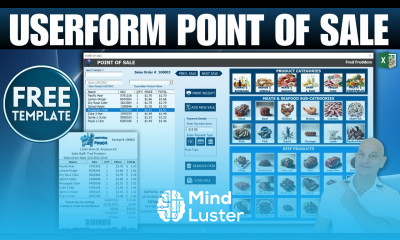
Designing Point of sale application in excel, in this course you'll learn how to create a robust and user-friendly POS system tailored to your business needs. This course covers the essential steps to design and implement a POS application, including inventory management, sales tracking, and automated receipt generation. You'll explore how to build interactive dashboards for real-time insights, customize invoices, and manage customer data efficiently. Additionally, you’ll master Excel tools like formulas, conditional formatting, and macros (VBA) to automate transactions and streamline operations. By the end of the course, you'll have a complete, professional-grade POS system in Excel, helping you simplify daily business operations, improve accuracy, and make data-driven decisions.