Create, customize, and organize layers in AutoCAD for clear, efficient, and professional drawings using layer properties and filters
Manage layer visibility, lock, unlock, and control layer states to streamline AutoCAD workflows and improve drawing accuracy
Assign objects to specific layers, modify layer settings, and ensure consistency across complex architectural, engineering, and design projects
Utilize advanced layer management tools such as layer filters, layer states, and layer properties to enhance drawing organization and editing efficiency
Apply best practices for layer naming conventions, color coding, and line types to optimize AutoCAD drawing clarity and collaboration
Troubleshoot common layer issues, including visibility conflicts and property inconsistencies, to maintain high-quality AutoCAD drawings
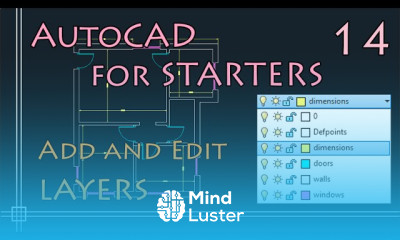
Adding and editing layers in autoCAD Course Description
Adding and editing layers in autoCAD,
in this course is designed to teach the essential skills for managing layers in AutoCAD, a critical aspect of creating organized and efficient drawings. Learn to add new layers, customize their properties such as color, line type, and line weight, and assign objects to specific layers. Master editing tools to modify layer settings, control layer visibility, and use advanced features like layer filters and states. Through hands-on exercises, participants will understand how layers improve drawing clarity, streamline workflows, and maintain consistency across complex projects. Perfect for architects, engineers, and designers, this course will empower you to manage layers effectively and enhance your AutoCAD proficiency.