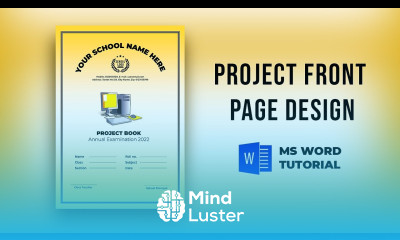
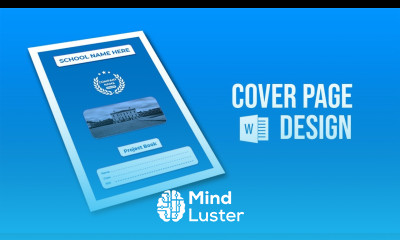
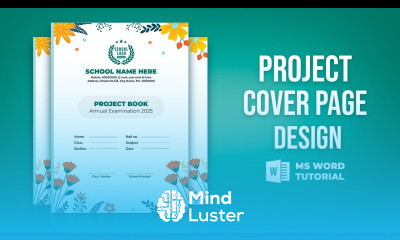
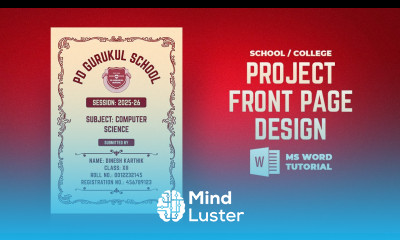
Create Project Front Page in Word Course Description
Enhance your graphic design skills with our comprehensive online course on creating project front pages in Word. This training course is designed to equip you with professional skills to develop visually appealing and effective project presentations. Whether you're a student, a professional, or someone looking to boost your career in graphic design, this certified course offers valuable knowledge to help you stand out.
Throughout this course, you will learn how to craft engaging and professional project front pages using Microsoft Word, a versatile tool for graphic design. The course covers essential techniques for layout design, font selection, image integration, and formatting to ensure your project pages are both attractive and informative.
What you will learn:
- Fundamentals of graphic design principles for project presentation
- How to create visually appealing front pages in Microsoft Word
- Techniques for effective layout and typography
- Incorporating images and graphics seamlessly
- Tips for maintaining consistency and professionalism in your designs
- Best practices for exporting and sharing your project pages
This course is ideal for students, educators, professionals, and anyone interested in developing professional skills in graphic design and project presentation. It is especially beneficial for those aiming to improve their portfolio or enhance their career growth in creative and design fields.
Choosing this course on our platform guarantees high-quality training delivered by experienced instructors. Our flexible online format allows you to learn at your own pace, making it easy to fit professional development into your busy schedule. Upon completion, you will receive a certificate that validates your new skills, helping you advance your career opportunities.
This certified training course is perfect for individuals seeking to strengthen their graphic design portfolio and unlock new career paths in creative industries. Enroll today to gain practical skills, expand your professional network, and take a confident step toward your career growth in graphic design and project presentation. Office Desk