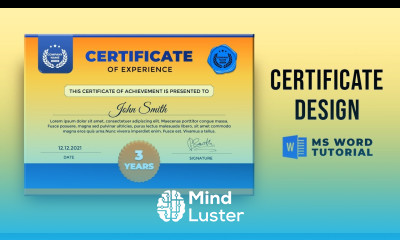
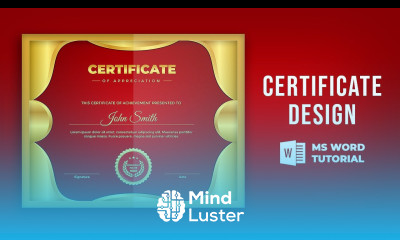
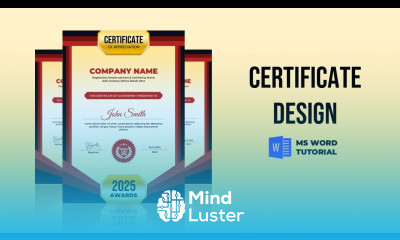
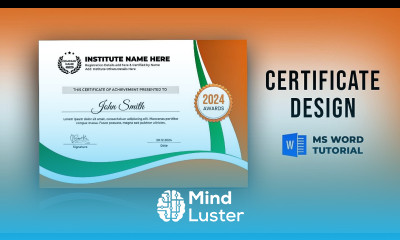
Make certificate design in MS word Course Description
Enhance your graphic design skills with our comprehensive online course on creating professional certificate designs using MS Word. This training course is tailored to equip learners with the essential techniques to craft visually appealing and customized certificates that stand out. Whether you're a beginner or looking to refine your design skills, this course offers valuable insights to boost your professional portfolio and support your career growth in the creative industry.
Throughout this course, you will learn how to:
- Utilize MS Word tools to design visually striking certificates
- Incorporate branding elements, logos, and signatures effectively
- Apply color schemes, fonts, and layout principles to enhance visual appeal
- Create templates that can be reused for various certification needs
- Prepare your designs for printing and digital distribution
- Understand best practices for professional certificate design in a business or educational setting
This course is ideal for students, educators, HR professionals, and small business owners in the Middle East seeking to develop professional skills in graphic design and certificate creation. It's also perfect for anyone interested in expanding their creative toolkit with a practical, certified training course that can directly impact their career prospects.
Choosing this course on our platform ensures you receive high-quality, up-to-date training from expert instructors. With flexible online access, you can learn at your own pace and revisit lessons whenever needed. Our platform is trusted for delivering professional development courses that meet industry standards, making it a valuable addition to your skillset.
Completing this certified course opens doors to various career opportunities, including roles in graphic design, corporate branding, event management, and educational administration. Whether you're creating certificates for your organization or offering design services, this skill can significantly enhance your professional portfolio and credibility.
Upon successful completion, you will receive a verified certificate of achievement, demonstrating your proficiency in certificate design using MS Word. This certification can serve as a valuable credential to showcase your creative and technical skills to potential employers or clients across Saudi Arabia, the UAE, and the broader Middle East region. Office Desk