×
MindLuster Logo

Java GUI

Track :

Programming

Lessons no : 17

For Free Certificate After Complete The Course

To Register in Course you have to watch at least 30 Second of any lesson

Join The Course Go To Community Download Course Content
What will you learn in this course?
  • Create Java GUI applications using Swing and JavaFX with interactive components like buttons, labels, and windows
  • Design user-friendly interfaces for Java applications focusing on usability and visual appeal
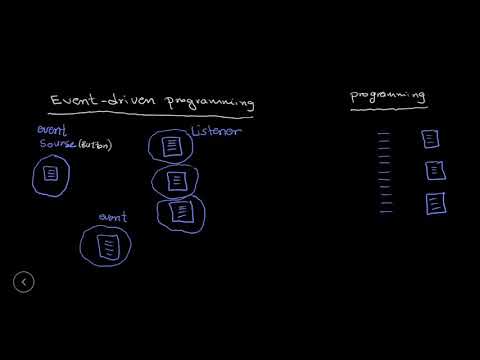
  • Implement event-driven programming to handle user interactions in Java GUI applications
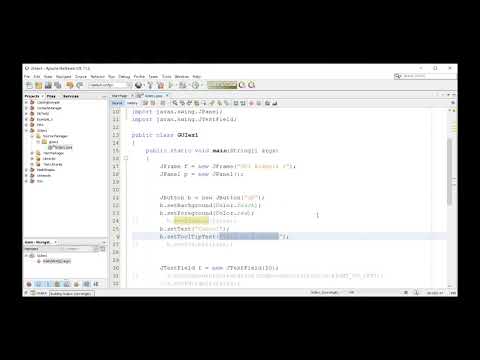
  • Customize GUI components to enhance functionality and aesthetic appeal in Java projects
  • Debug and troubleshoot common issues in Java GUI development for robust applications
  • Integrate Java GUI with backend logic to develop comprehensive desktop applications
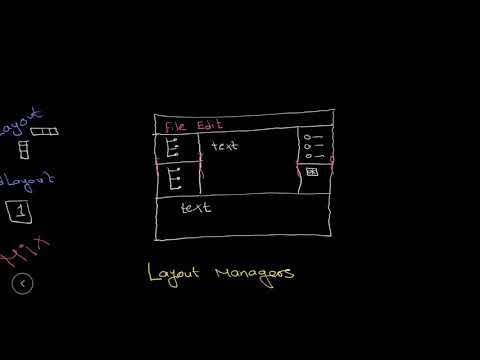
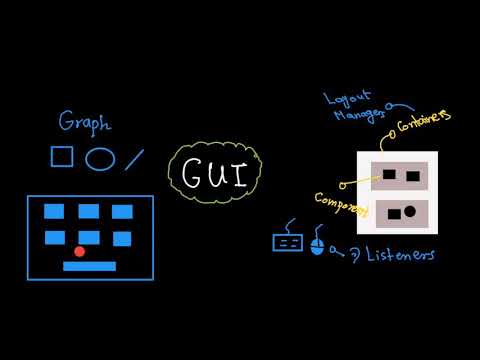
  • Apply layout managers to organize GUI components effectively in Java interfaces
  • Optimize Java GUI performance for smooth user experience and responsiveness

How to Get The Certificate

  • You must have an account Register
  • Watch All Lessons
  • Watch at least 50% of Lesson Duration
  • you can follow your course progress From Your Profile
  • You can Register With Any Course For Free
  • The Certificate is free !
Lessons | 17

Recommended Courses


We Appreciate Your Feedback

Excellent
1 Reviews
Good
0 Reviews
medium
0 Reviews
Acceptable
0 Reviews
Not Good
0 Reviews
4.7
3 Reviews

Harshal Vijay Patil

good
2025-03-08

Selamawit Teshome

Excellent
2025-01-09

Srinath Paramanik

Good explaination
2024-05-30

Aman Verma

Good
2024-02-03

Show More Reviews

Our New Certified Courses Will Reach You in Our Telegram Channel
Join Our Telegram Channels to Get Best Free Courses


Join Now

Related Courses

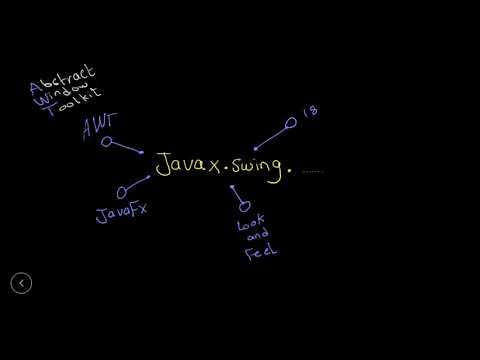
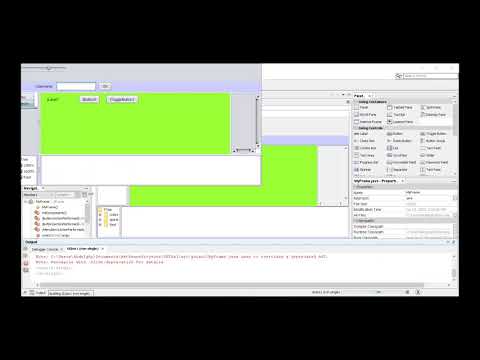
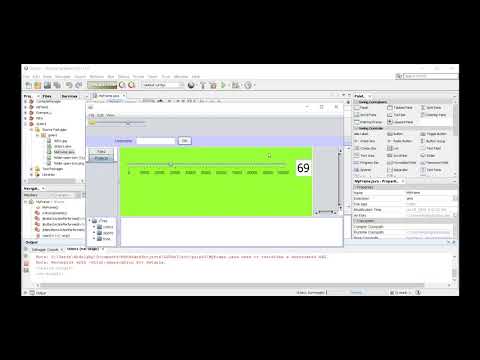
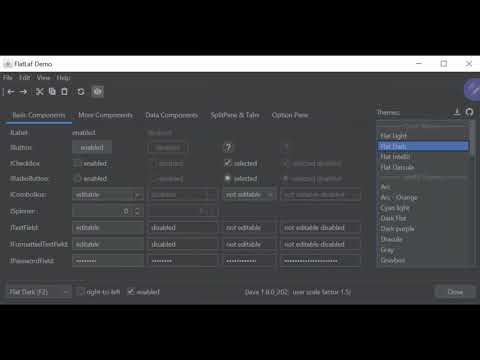
GUI (Graphical User Interface) in Java is an easy-to-use visual experience builder for Java applications. It is mainly made of graphical components like buttons, labels, windows, etc. through which the user can interact with an application .