
 25 Lessons
 157 Students


PRASAD N KATWE
thank you for the guidance on power point presentation
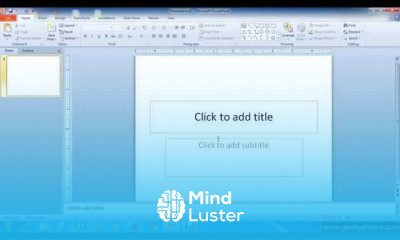
Microsoft PowerPoint is a powerful slide show presentation program. It is a standard component of the company's Microsoft Office suite software, and is bundled together with Word, Excel, and other office productivity tools. The program uses slides to convey information rich in multimedia.
 To Register in Course you have to watch at least 30 Second of any lesson
 Create professional presentations using PowerPoint 2010 with advanced slide design and multimedia integration
Design engaging slides incorporating images, charts, and animations to enhance audience understanding
Apply effective slide layout and formatting techniques to improve visual appeal and clarity
Utilize PowerPoint 2010 tools to organize and structure content for impactful storytelling
Implement custom themes, backgrounds, and templates to maintain consistent branding and style
Insert and edit multimedia elements such as audio, video, and transitions for dynamic presentations
Use slide master and layout features to streamline presentation design and ensure uniformity
Prepare and rehearse presentations with timing, narration, and slide transitions for smooth delivery
Share and collaborate on PowerPoint presentations using various file formats and sharing options
Troubleshoot common PowerPoint 2010 issues to ensure seamless presentation delivery
25 Lessons • 1 h 27 m total
 You must have an
Account
on the platform.
Complete all lessons.
Watch at least 50% of Lesson Duration.
Get your Certificate free 🎉 !
4.6
 (19 reviews)
Overall rating

Be the First One Review This Course
thank you for the guidance on power point presentation

Amazing
Mantap jiwa

nice course
outstanding
satisfied

Good experience

Excelente muy genial estoy feliz

Learn something new
Good
good and nice learning
Nice teaching

Microsoft PowerPoint is a powerful slide show presentation program. It is a standard component of the company's Microsoft Office suite software, and is bundled together with Word, Excel, and other office productivity tools. The program uses slides to convey information rich in multimedia.
Experience the full power of Mindluster with Premium.
No distractions, just pure education.
Cancel your subscription anytime