×
MindLuster Logo

Managing a Environment with Hyper V Ser

Track :

Programming

Lessons no : 8

For Free Certificate After Complete The Course

To Register in Course you have to watch at least 30 Second of any lesson

Join The Course Go To Community Download Course Content
What will you learn in this course?
  • Configure remote management settings on Windows Server for Hyper-V hosts effectively
  • Implement secure remote connection protocols for Hyper-V environment management
  • Troubleshoot common remote management issues in Hyper-V environments efficiently
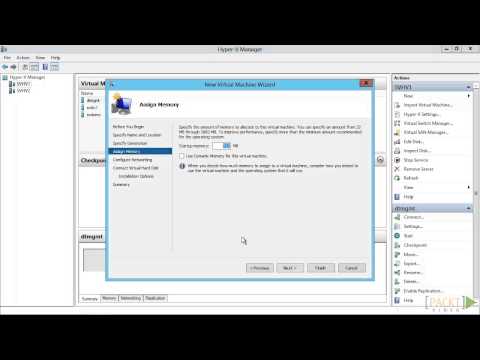
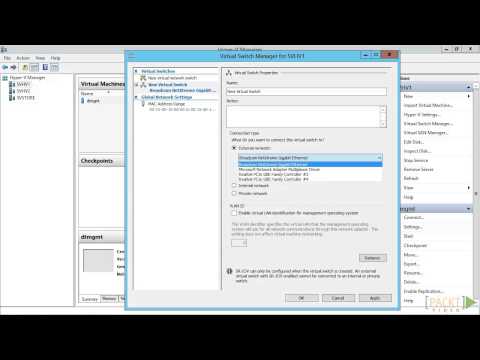
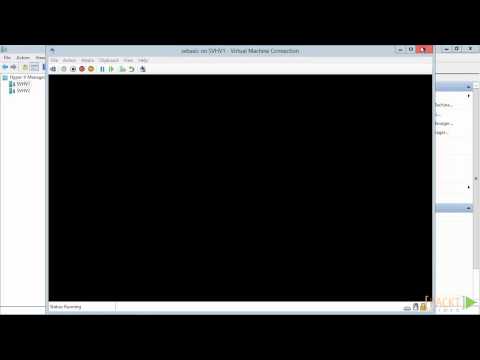
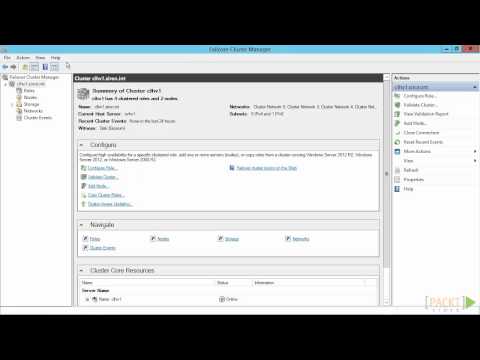
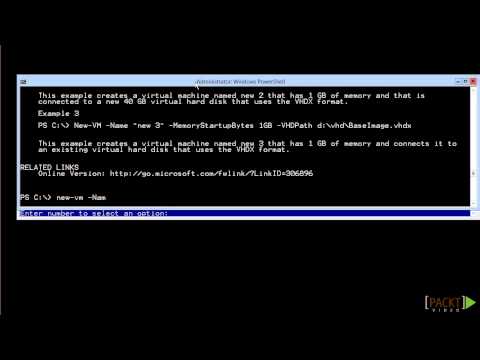
  • Utilize Hyper-V Manager and PowerShell for remote Hyper-V host administration
  • Enable and disable remote management features on local and remote Windows Servers
  • Apply best practices for managing multiple Hyper-V hosts remotely in enterprise settings

How to Get The Certificate

  • You must have an account Register
  • Watch All Lessons
  • Watch at least 50% of Lesson Duration
  • you can follow your course progress From Your Profile
  • You can Register With Any Course For Free
  • The Certificate is free !
Lessons | 8


We Appreciate Your Feedback

Excellent
3 Reviews
Good
7 Reviews
medium
0 Reviews
Acceptable
0 Reviews
Not Good
0 Reviews
4.3
10 Reviews

Adharsh S

good
2025-11-03

CHANDRU A AI&DS

Good
2025-10-16

BHARATH H

GOOD
2025-10-14

Alagu Manikandan S

NIce
2025-10-14

Aswath S

good
2025-10-14

DAWAN BABU K AI&DS

Good
2025-10-14

Dhikshitha

Well taught
2025-10-14

Dinesh G

Good
2025-10-13

BALASARASWATHI S AI&DS

good
2025-10-13

Fathima afraah M

Good
2025-10-12

Dharma Dharshan G

Nice
2025-10-12

BALAKRISHNAN R AI&DS

super
2025-10-08

Show More Reviews

Our New Certified Courses Will Reach You in Our Telegram Channel
Join Our Telegram Channels to Get Best Free Courses


Join Now

Related Courses

To manage remote Hyper-V hosts, enable remote management on both the local computer and remote host. On Windows Server, open Server Manager >Local Server >Remote management and then click Allow remote connections to this computer .