×
MindLuster Logo

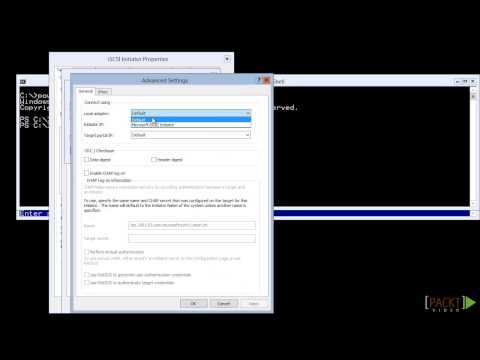
Hyper V Server 2012 R2 Tutorial Connecting to Storage | packtpub com

Share your inquiries now with community members Click Here
Sign Up and Get Free Certificate
Sign up Now

Lessons List | 8 Lesson

Comments

Our New Certified Courses Will Reach You in Our Telegram Channel
Join Our Telegram Channels to Get Best Free Courses

Join Now

We Appreciate Your Feedback

Excellent
3 Reviews
Good
7 Reviews
medium
0 Reviews
Acceptable
0 Reviews
Not Good
0 Reviews
4.3
10 Reviews

Adharsh S

good
2025-11-03

CHANDRU A AI&DS

Good
2025-10-16

BHARATH H

GOOD
2025-10-14

Alagu Manikandan S

NIce
2025-10-14

Aswath S

good
2025-10-14

DAWAN BABU K AI&DS

Good
2025-10-14

Dhikshitha

Well taught
2025-10-14

Dinesh G

Good
2025-10-13

BALASARASWATHI S AI&DS

good
2025-10-13

Fathima afraah M

Good
2025-10-12

Dharma Dharshan G

Nice
2025-10-12

BALAKRISHNAN R AI&DS

super
2025-10-08

Show More Reviews

Course Description

To manage remote Hyper-V hosts, enable remote management on both the local computer and remote host. On Windows Server, open Server Manager >Local Server >Remote management and then click Allow remote connections to this computer .