


YOGESH GADRE
Nice
 (10 reviews)
 10 Lessons
 72 Students
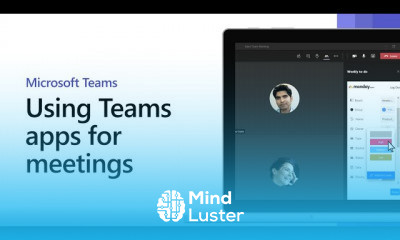
From the left side of Teams, you can go to Apps and search different categories where you'll see an overview of everything available for you to add. You can also add apps directly from the context you're working in, whether you're in a chat, channel, or meeting.
 To Register in Course you have to watch at least 30 Second of any lesson
 Enhance collaboration by integrating Microsoft Teams partner apps for seamless communication and productivity
Customize Teams workspace using partner apps to streamline workflows and improve team efficiency
Navigate and search for Microsoft Teams apps across categories to find tools that meet your organizational needs
Add and manage partner apps directly within chats, channels, and meetings for real-time collaboration
Optimize project management by leveraging Microsoft Teams partner apps for task tracking and document sharing
Improve team engagement by utilizing partner apps to facilitate communication, file sharing, and workflow automation
10 Lessons • 17 m total
 You must have an
Account
on the platform.
Complete all lessons.
Watch at least 50% of Lesson Duration.
Get your Certificate free 🎉 !
4.5
(10 reviews)
Overall rating

Be the First One Review This Course
Nice

Great
Great

Nice course
nice

This was the easiest way to get certificated. I could take my time. I wasn't rushed for time. This was great.
Good
Good Experience.

i learnt alot from this website
Excellent
Good to learn

From the left side of Teams, you can go to Apps and search different categories where you'll see an overview of everything available for you to add. You can also add apps directly from the context you're working in, whether you're in a chat, channel, or meeting.
Experience the full power of Mindluster with Premium.
No distractions, just pure education.
Cancel your subscription anytime


















