
 32 Lessons
 112 Students





Timothy Ojetola
Nice course
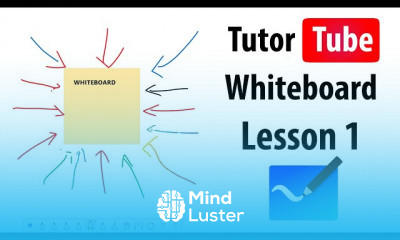
The purpose of a whiteboard is to visualize thoughts, concepts, write down ideas, explain and teach, plan and create in the group and many other things. Online whiteboards can be used for the same purpose as a real whiteboard, but without ...
 To Register in Course you have to watch at least 30 Second of any lesson
 Enhance visual communication skills using digital whiteboards for brainstorming, teaching, and collaborative project planning
Master effective whiteboard organization techniques for clear idea presentation and group collaboration
Utilize online whiteboard tools to facilitate remote teamwork, brainstorming, and real-time idea sharing
Apply whiteboard features to create engaging presentations, diagrams, and flowcharts for educational and professional contexts
Develop strategies for visual storytelling and concept explanation using digital whiteboards
Implement best practices for online whiteboard collaboration to improve team productivity and creativity
Design interactive whiteboard sessions to foster student engagement and active participation in virtual classrooms
Integrate multimedia elements into whiteboards to enrich visual explanations and enhance learning experiences
Troubleshoot common technical issues with online whiteboards to ensure seamless virtual collaboration
Evaluate different whiteboard platforms to select the best tools for specific educational or business needs
32 Lessons • 1 h 3 m total
 You must have an
Account
on the platform.
Complete all lessons.
Watch at least 50% of Lesson Duration.
Get your Certificate free 🎉 !
4.7
 (198 reviews)
Overall rating

Be the First One Review This Course
Nice course

Good
Its helpful for me
wow

Must try it. Very useful and Educating portal.
Thanks

The purpose of a whiteboard is to visualize thoughts, concepts, write down ideas, explain and teach, plan and create in the group and many other things. Online whiteboards can be used for the same purpose as a real whiteboard, but without ...
Experience the full power of Mindluster with Premium.
No distractions, just pure education.
Cancel your subscription anytime
















