
 20 Lessons
 118 Students








Michael Mulenga
awesome
What does Google Meet cost? Anyone with a Google Account can create a video meeting, invite up to 100 participants, and meet for up to 60 minutes per meeting at no cost.
 To Register in Course you have to watch at least 30 Second of any lesson
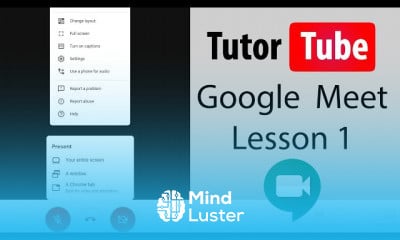
 Master how to set up and schedule Google Meet video conferences for seamless online communication
Utilize Google Meet features to enhance virtual meetings, including screen sharing, chat, and recording options
Manage participant invitations and control meeting access for secure and organized virtual events
Troubleshoot common Google Meet issues to ensure smooth and uninterrupted video conferencing experiences
Integrate Google Meet with Google Calendar and Gmail for efficient scheduling and notifications
Apply best practices for virtual meeting etiquette and engagement using Google Meet tools
Leverage Google Meet security settings to protect privacy and prevent unauthorized access
Optimize Google Meet performance for high-quality video and audio during online meetings
20 Lessons • 59 m total
 You must have an
Account
on the platform.
Complete all lessons.
Watch at least 50% of Lesson Duration.
Get your Certificate free 🎉 !
4.5
 (26 reviews)
Overall rating

Be the First One Review This Course
awesome

it was so informative

great

It easy to understand Good job and thank you for making it so accessible

AMAZING
Great, it is very explanatory.

GREAT

IT WAS GREAT
that was a good one

Good
It was a great course and comprehensive. I had pretty additional knowledge
insightful

What does Google Meet cost? Anyone with a Google Account can create a video meeting, invite up to 100 participants, and meet for up to 60 minutes per meeting at no cost.
Experience the full power of Mindluster with Premium.
No distractions, just pure education.
Cancel your subscription anytime