×
MindLuster Logo

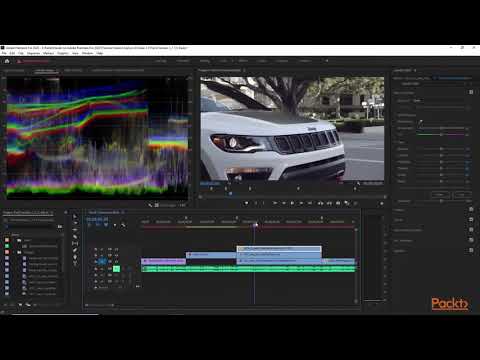
Hands On Adobe Premiere Pro 2020 Color Correction Basics | packtpub com

Share your inquiries now with community members Click Here
Sign Up and Get Free Certificate
Sign up Now

Lessons List | 7 Lesson

Comments

Our New Certified Courses Will Reach You in Our Telegram Channel
Join Our Telegram Channels to Get Best Free Courses

Join Now

We Appreciate Your Feedback

Excellent
1 Reviews
Good
0 Reviews
medium
0 Reviews
Acceptable
0 Reviews
Not Good
0 Reviews
5
1 Reviews

Abdul rahman abuukar

it was amazing and valuable cource
2025-11-23

Jose Angelo V. Cruz III

A practical and engaging course that teaches the core tools of Adobe Premiere Pro perfect for gaining real editing experience and creating polished videos.
2025-11-04

Tejas Sonar

super information
2025-07-09

Hasan

Nice
2025-02-12

khafiz ali

very helpful
2024-05-01

Mubarak Getachew Liben

amesing
2024-01-17

Show More Reviews

Course Description

Another one of the basic commands in Premiere Pro, the Hand tool will simply allow you to navigate forward and backwards on the timeline. You can also move across the timeline by scrolling, but the hand can help when needing to locate exact clips or frames.