Course Description
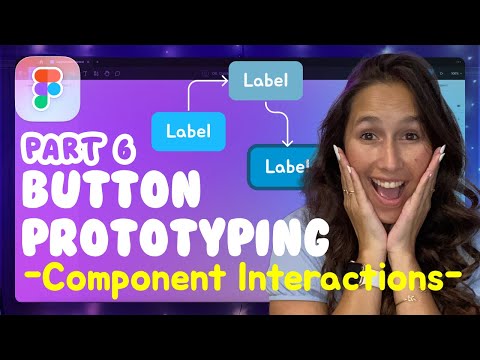
Prototyping in figma,
in this course we will learn how to use Figma’s prototyping tools to simulate user interactions, build navigation flows, and test user experiences before development begins. You’ll discover how to link frames, add transitions, use Smart Animate, and create interactive components like buttons, menus, and toggles. We’ll also cover scrollable areas, overlays, and mobile vs. desktop flows. This course is perfect for UI/UX designers who want to bring their designs to life, communicate ideas clearly, and conduct early usability testing. Whether you're designing apps or websites, this hands-on course will give you the essential prototyping skills to enhance collaboration, reduce rework, and improve user satisfaction. Let’s begin your journey to interactive, engaging, and functional design with Figma prototyping. TD Sunshine